What is Chirp.QR?
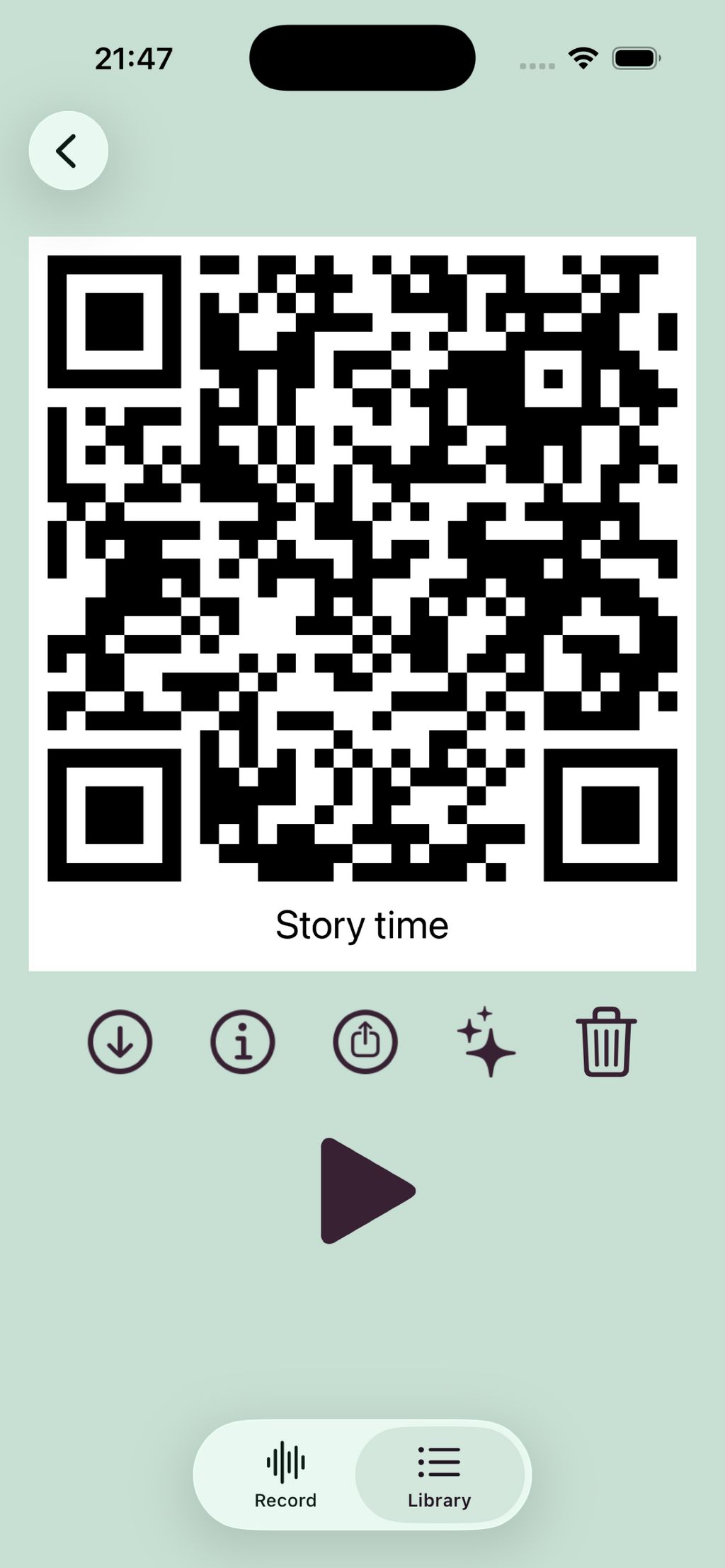
Chirp.QR is the simplest way to turn spoken audio into something you can share on paper. Open the app, record your voice, and Chirp.QR generates a QR code that anyone can scan with their phone's camera — no app, no signup, no account needed on the listener's side.
For teachers: stick audio QR codes onto worksheets so students can hear native pronunciation, scan-to-listen reading passages, leave personalized voice feedback on homework, or build language-learning stations that work in any classroom with any device. Students can record their own readings too — great for language practice, oral assessment, and accessibility for emerging readers.
For schools: Chirp.QR offers bulk licensing through a self-serve portal. Schools get a single school code that activates premium on every teacher and student device — recurring yearly subscriptions with clear pricing per device, invoicing or card payment, and admin tools for managing devices. GDPR compliant, EU-hosted (no student data leaves Europe), safe for children, no advertising, no third-party tracking on listener pages.
For everyone else: Chirp.QR is used for greeting cards, wedding favors, memory keeping, museum labels, product packaging instructions, accessibility, and any time you want to add a human voice to something physical.
Free on iOS with daily recording limits; Chirp Premium subscription unlocks unlimited recordings, longer recordings, and removes ads. School licenses available at chirpqr.com/schools.


 Company Company | Business Name: Six Pointer Group HQ Location: Sweden Founded: 2015 |
| Age Range | 0-4, 5-7, 8-10, 11-13, 14-16, 17-18, 19+ |
 Features Features | Record AudioGenerate Audio Qr CodesNo App Required For ListenersPronunciation PracticeRead-aloud PassagesVoice Feedback For StudentsListening StationsStudent-created Audio ContentEal/esl/ell SupportAudio Accessibility For Emerging ReadersSchool-wide Licensing Via Single School CodeYearly Bulk Subscriptions For Schools |
 Languages Languages | Swedish, English, German, Spanish; Castilian, Russian, Finnish |
 Accessibility Accessibility | Moderate features |
 Policies Policies |  Terms of ServicePrivacy PolicyGDPR Terms of ServicePrivacy PolicyGDPR |
 Requirements Requirements | Internet - Low BandwidthInternet - High BandwidthMobile - iPhoneMobile - iPad |
 Set Up Set Up | For individual users (iOS app): under 1 minute. Download Chirp.QR from the App Store, open the app, and press record. The QR code is generated automatically. For schools (school licensing): about 5 to 10 minutes for the school admin. Sign up at chirpqr.com/schools, request a licence with the required number of devices, complete payment by card or invoice, and receive a school code. Teachers and students then activate Chirp Premium on their devices by entering that single school code once, which takes about 30 seconds per device. |
 Training Training | Documentation Chirp.QR is designed for immediate use without formal training. Teachers and students typically start recording within their first minute of using the app. A support page is available at chirpqr.com/support.html, and we are happy to help schools with onboarding questions directly by email at support@chirpqr.com. |
 Support Support | Email |
| Home Learning | Parent Access Anyone can create the account. It's an app on app store which can be used by anyone |
AIAI usage This product does not use AI. | |
Chirp.QR PricingPricing Plans Paid Subscription Chirp.QR pricing starts from €1.99 / month Chirp.QR offers two paid options. Chirp Premium (individual subscription) School licensing (bulk) Schools can pay by card (Stripe) or invoice. Subscriptions auto-renew yearly and can be cancelled anytime from the school dashboard. A Data Processing Agreement is available on request. GDPR compliant, EU-hosted, no advertising.  Optimised for a quick response Optimised for a quick response | |


Compare Chirp.QR with...


Chirp.QR Reviews
No reviews.
This product has not received any reviews yet. Be the first!