
What is FrameFold?
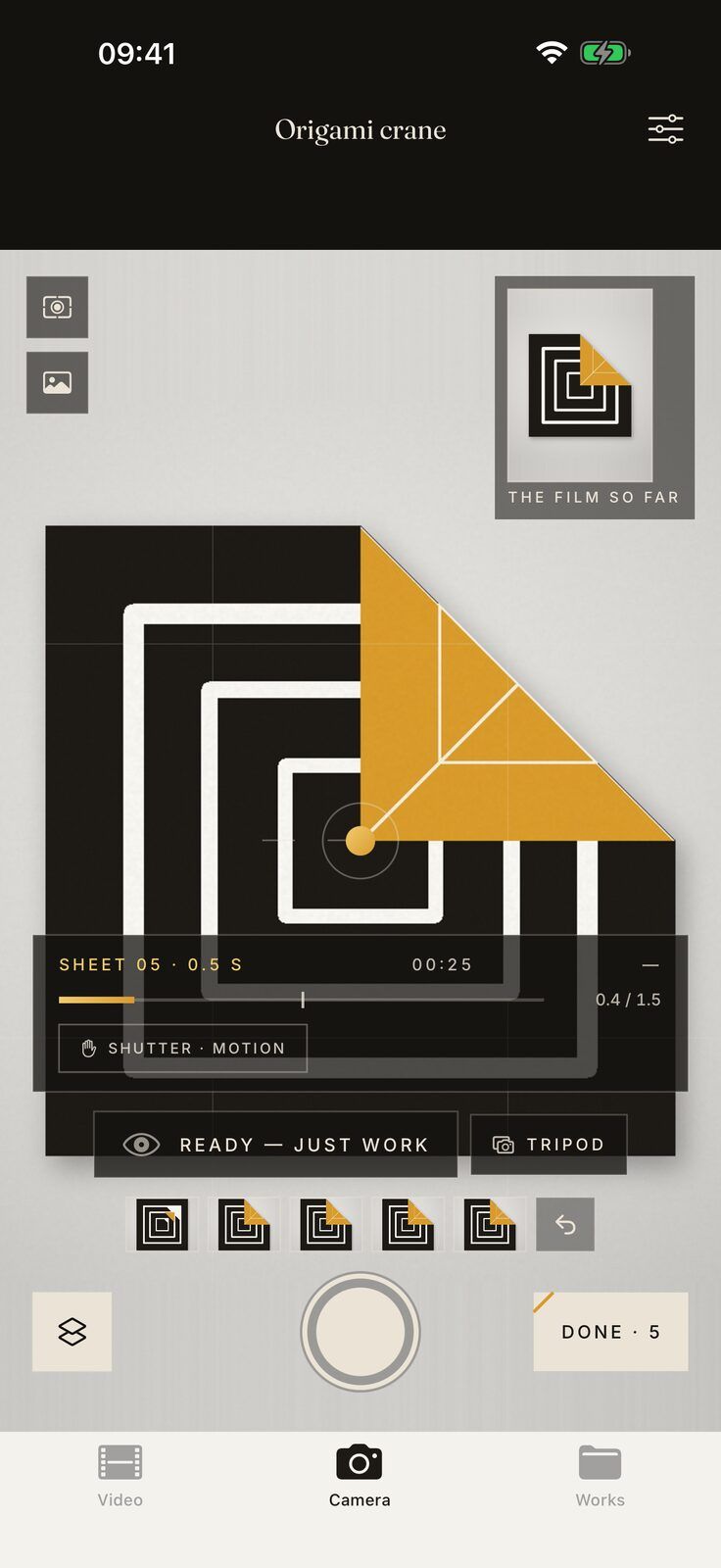
Put an iPhone or iPad on a tripod and FrameFold takes the shot by itself, the moment your hands leave the frame and the scene settles. It is a stop-motion camera and editor for making short animated films, and it runs on iPhone, iPad and Mac. "Simple" mode shows only the essentials. From "Advanced" mode on, you can set ISO, shutter speed, focus and white balance yourself and choose the lens.
Pupils shoot frame by frame while the app locks exposure and white balance, checks each frame for sharpness before keeping it, and warns when the camera has moved. The film plays back as a growing loop in the viewfinder. Frames can be duplicated, held, reordered or reshot, and anything can be undone. There are tools for text, speech bubbles, drawing on frames, green screen, titles and credits, several audio tracks, sound effects and voice recording. Finished films export up to 4K as a loop, boomerang, in reverse or as a GIF, or as a print-ready flip book.
For classrooms, the app needs no account and no internet connection, collects no data, and keeps frames and recordings on the device. Every feature is free, with no watermarks and no ads. A free two-lesson plan and a short in-app guide are available. On the Mac, FrameFold works with a document camera or an iPhone as the camera and exports to ProRes or image sequences. FrameFold is available in 17 languages.


 Company | Business Name: Bracharz Consulting HQ Location: Austria Founded: 2026 |
| Age Range | 8-10, 11-13, 14-16 |
 Features | Automatic ShutterOnion SkinGreen ScreenExport Up To 4kFlip Book ExportApple Watch RemoteVideo To Stop-motionAvailable Offline |
 Languages | English, Czech, Danish, Korean, Polish, Russian, Swedish, Turkish, Ukrainian, Chinese, German, French, Spanish; Castilian, Italian, Dutch, Japanese, Portuguese |
 Accessibility | Moderate features |
 Policies |  Terms of ServicePrivacy PolicyGDPR |
 Requirements | Available OfflineDesktop - MacMobile - iPhoneMobile - iPad Runs on iPhone and iPad with iOS/iPadOS 17 or later and on a Mac with macOS 14 or later. An Apple Watch can be used as a remote. No internet connection is needed. A tripod or simple stand is recommended. On the Mac, a USB document camera or an iPhone works as the camera. Optional studio features control lights via DMX (Art-Net) on the local network and motion control rigs via Bluetooth. Works can be moved between devices as a file via AirDrop. |
 Set Up | About five minutes. Install the free app from the App Store, put the device on a stand and start shooting. No account, sign-in or school setup is needed. |
 Training | Documentation A free two-lesson plan for schools is available, along with a short guide built into the app. |
 Support | Email Schools and teachers get email support directly from the developer. |
| Home Learning | Parent Access Families can download the app for free from the App Store and use it at home without an account. |
AIAI usage This product uses AI. AI-powered features On-device hand detection On-device speech recognition for mouth shapes Technology type Natural Language Processing Technology used to understand or generate human language (e.g. chatbots, language analysis, speech-to-text) Computer Vision AI that interprets visual information from images or video (e.g. scanning student work, facial recognition, object tracking)  Generative AI AI that creates new content such as text, images, or video (e.g. AI-generated quizzes, lesson plans, dialogue simulations) Machine Learning Algorithms that learn from data to make predictions or decisions (e.g. adaptive learning, automated feedback) Robotics AI embedded in physical systems (e.g. programmable learning bots, interactive classroom robots) High-risk use settings Access Determination Used to make decisions about access to, or admission into, an educational programme (e.g. automated admissions systems) Behavioural Monitoring or Detection Used to analyse behaviour, emotions, or cognitive states (e.g. engagement tracking, emotion detection) Learner Evaluation Used to assess student performance or outcomes (e.g. grading, test scoring, proctoring, adaptive progression, academic placement) | |
FrameFold PricingPricing Plans Free Version FrameFold is completely free for everyone: no subscription, no in-app purchases, no ads and no watermarks. All features, including sound, music, green screen, titles, drawing and export up to 4K, are included. There is no per-pupil or per-school pricing.  Optimised for a quick response | |


Compare FrameFold with...


FrameFold Reviews
No reviews.
This product has not received any reviews yet. Be the first!