Compare CodeMonkey vs Coding
Use the “Add Product” button to compare up to 5 products side-by-side.


Country: United States
Country: United Kingdom
 Katie Punzalan, Teacher: Code Monkey is an excellent way to introduce coding in the classroom! It’s incredibly user-friendly, even for those with no prior coding experience. I especially appreciate how it turns learning into a game. My students stay engaged while building valuable skills. It’s a fun and effective way to make coding accessible for everyone.Rachel Levinson, Digital Lead: We introduced CodeMonkey in our after-school program for grades 3–6, and the engagement was immediate. What I appreciate most is how it teaches real programming logic without feeling intimidating or “school-like.” Students who usually lose focus during structured activities stayed engaged and genuinely excited to solve challenges.Kristen Carlson: This learning game is great for beginners in the world of coding. But it does so much more. Love the typing courses!Alicia, Teacher: For progression reasons, children in Year 3 find it difficult to move over to a different programming platform so they find it quite complicated at firstTiffany, Assistant Headteacher: It’s brilliant and have already recommended it to lots of schoolsBeth, Class Teacher and Computing Lead: We have to evidence computing through a worksheet so that could be helpful along with display posters.


Desktop/laptop with access to the Internet.
Coding requires internet-connected devices (tablets, laptops, PCs). Schools can request a free trial or demo of Coding via the Discovery Education website.
CodeMonkey’s free webinars, video tutorials, MOOC course and full-time PD staff will guide you every step of the way. There is also an online help center. Webinars and online product demos. How-to videos.
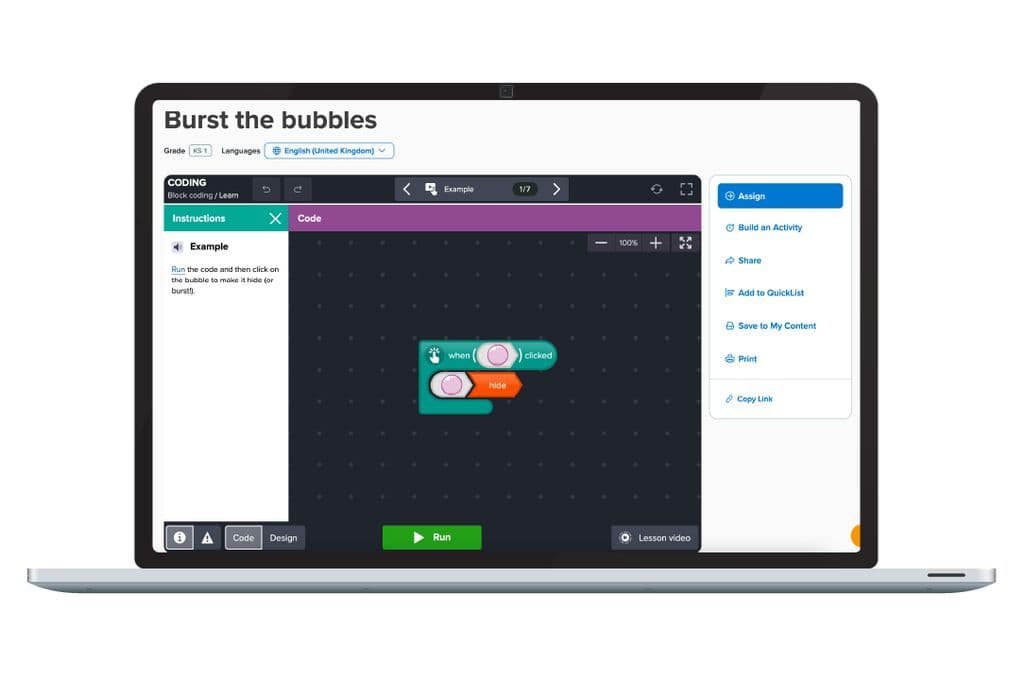
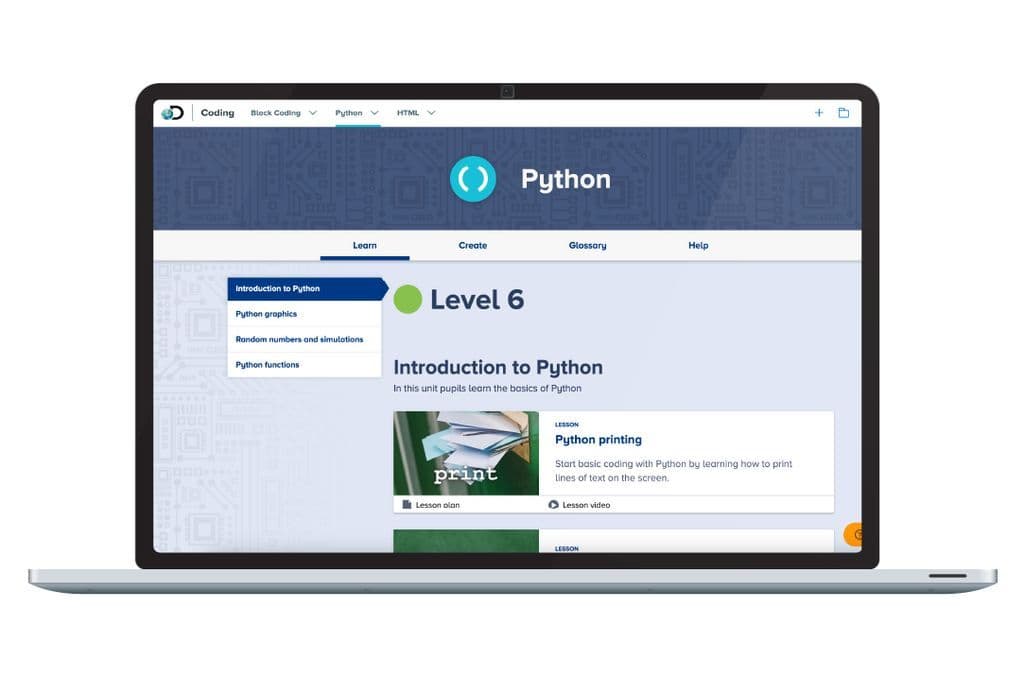
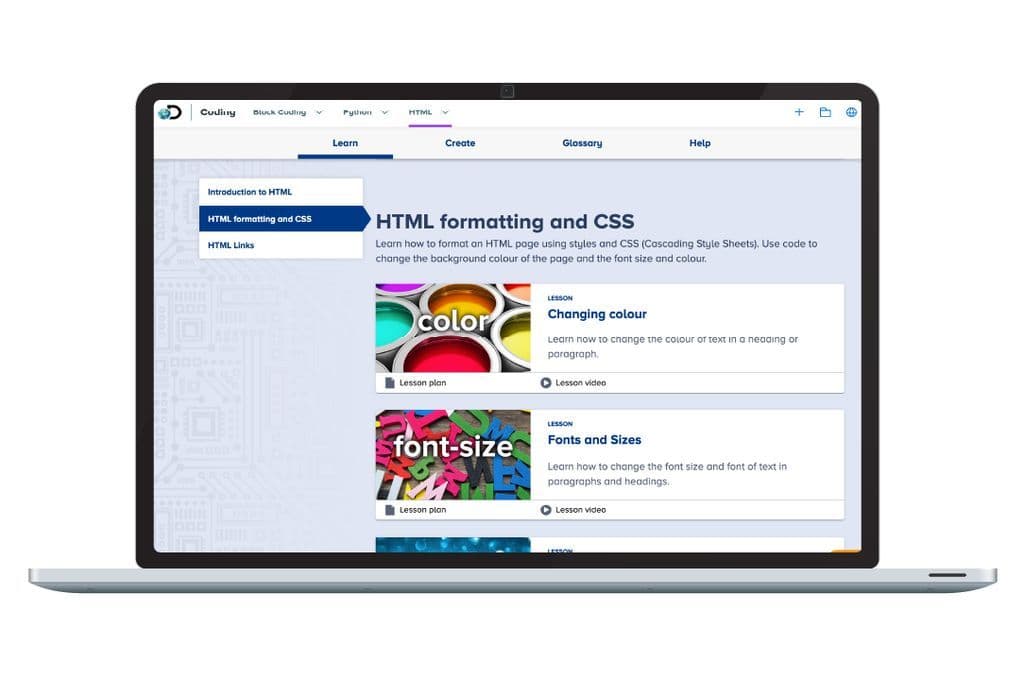
Coding includes extensive video instructions, letting all teachers feel confident teaching their lessons. Each lesson is scaffolded, letting pupils work at their own pace and making sure they've nailed each concept before moving on.
You'll get a designated School Success Advisor who is on hand to support you whenever you need. Whether it's hints and tips or technical support, they'll make sure you're getting the most out of Coding.
The product doesn't require any setup, you can start using it right after sign up.
Getting started is quick and simple. Our team will get you set up with everything you need and send over your login details so you can get started right away.
Ongoing support is provided for all Coding subscribers. You'll get a designated School Success Advisor who is on hand to support you whenever you need. Whether it's hints and tips or technical support, they'll make sure you're getting the most out of Coding.

Free VersionFreemiumFree TrialPaid SubscriptionOne-Off FeeHourly Rate
Teacher, school and district pricing provided upon request.
Home plans start from $6/month.
Free VersionFreemiumFree TrialPaid SubscriptionOne-Off FeeHourly Rate
We have 3 different pricing bands, depending on the size of the school. We want everyone to experience the joys of Coding – chat with our team for your personalised quote!


