
What is Kidduca 3D?
🎓 About Kidduca 3D – by RMB Games
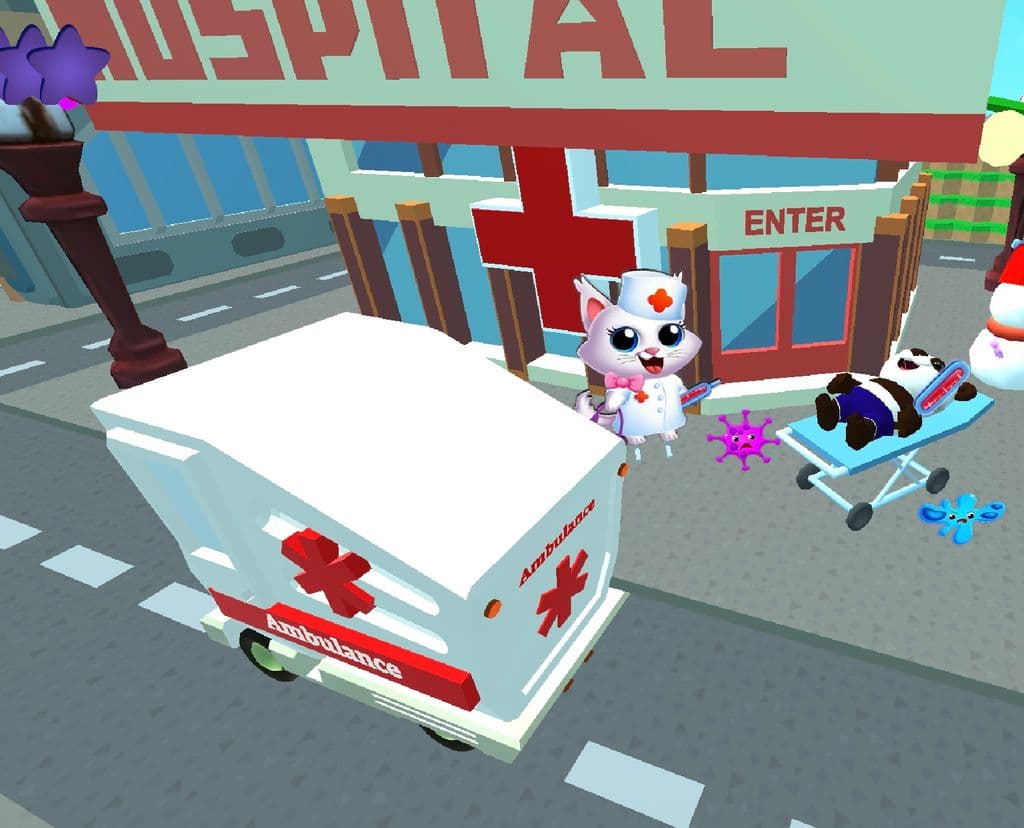
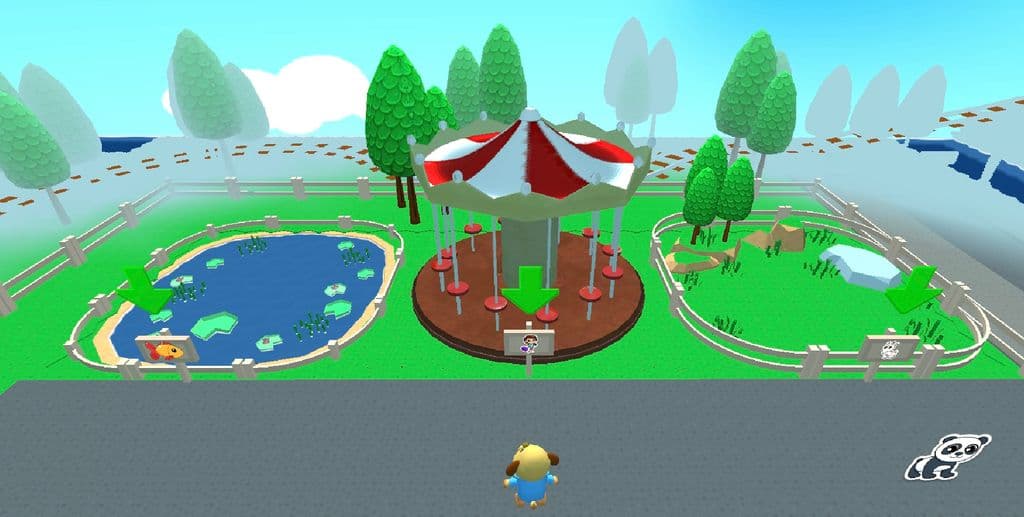
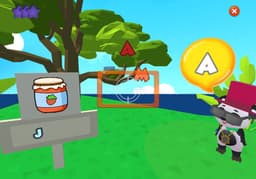
Kidduca 3D is an award-winning educational app designed for children aged 2–7, offering a safe and playful open-world experience that turns learning into an adventure. Developed by early childhood educators, the platform features guided lesson plans, multilingual voiceovers, and engaging mini-games that teach essential preschool skills through exploration and play.
🌟 Key Features:
- Interactive 3D Environments
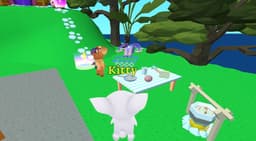
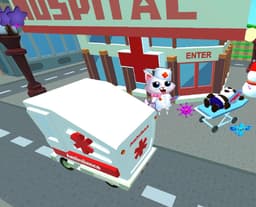
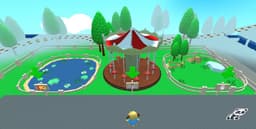
Children explore vibrant worlds like supermarkets, zoos, farms, parks, and space stations, completing missions that build early learning skills. - Curriculum-Based Lesson Plans
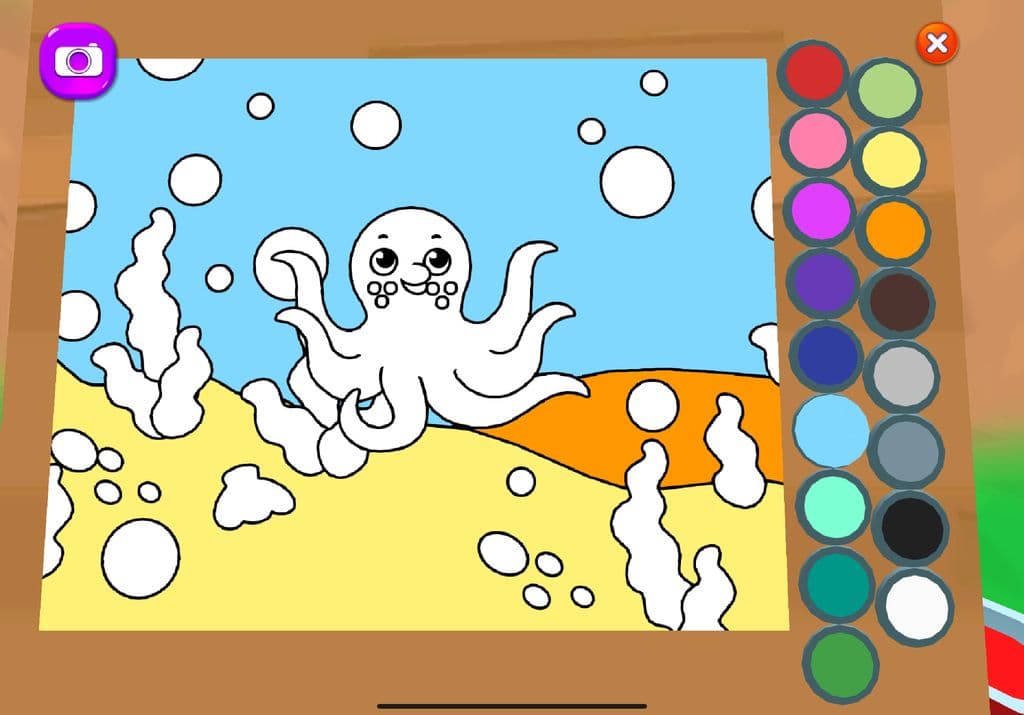
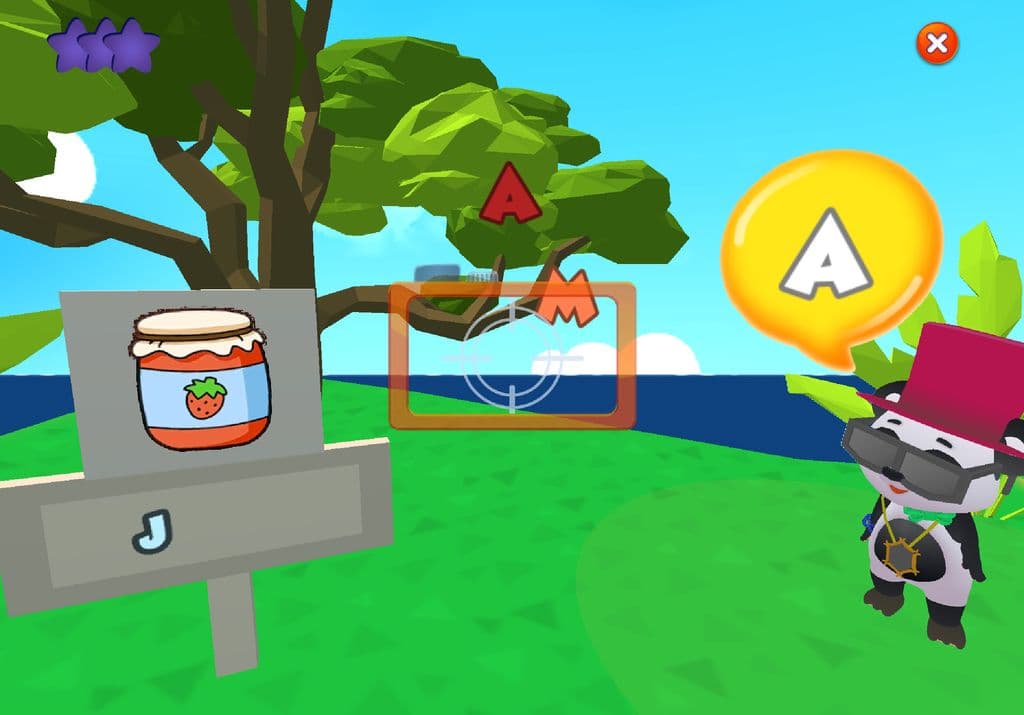
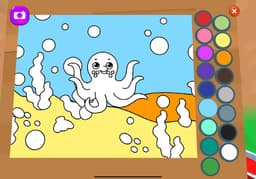
Each topic (ABCs, numbers, colors, shapes, animals, food, sorting, social skills, etc.) includes structured learning objectives developed by certified educators. - Language Learning in 4 Native-Language Voiceovers
The app includes full voice guidance in English, Spanish, Portuguese, and French, helping children naturally acquire vocabulary and pronunciation. - Safe Multiplayer Mode
Children can play and learn together, enhancing social interaction, teamwork, and global learning — all within a moderated and child-safe space. - Inclusive, Child-Friendly Design
Featuring adorable animated characters, accessible navigation, and content designed for multiple learning styles (visual, auditory, kinesthetic).
🏆 Recognition & Use Cases:
- Featured by Educational App Store and other international directories
- Used in homeschooling, kindergartens, and after-school programs as a supplementary learning tool
- Loved by parents and teachers worldwide for its balance of fun and structure
Kidduca 3D bridges the gap between digital play and purposeful education. It’s not just a game — it’s a playful, immersive, multilingual learning journey designed to prepare kids for school and life.
📲 Available on:
– App Store
– Google Play
– Microsoft
🌐 Website: www.educational-games.online


 Company Company | Business Name: RMB Games - Educational Academy HQ Location: United States Founded: 2022 |
| Age Range | 5-7 |
 Features Features | Interactive 3d EnvironmentsDiverse Subject ModulesPersonalized Learning ExperiencePersonalized Skill ProgressionCurriculum-aligned Lesson PlansGamified Rewards SystemProgress Tracking DashboardTouch-based Navigation For Young Users |
 Languages Languages | English, French, Spanish; Castilian, Portuguese |
 Accessibility Accessibility | Moderate features |
 Policies Policies |  Terms of ServicePrivacy PolicyGDPR Terms of ServicePrivacy PolicyGDPR |
 Requirements Requirements | Available OfflineDesktop - MacDesktop - WindowsDesktop - ChromebookMobile - iPhoneMobile - iPadMobile - WindowsMobile - AndroidTelevision Kidduca 3D requires a phone, computer, tablet or a TV. No additional software installation is necessary. |
 Set Up Set Up | Setting up Kidduca 3D is quick and easy, typically taking less than minutes to get started. |
 Training Training | In PersonLive OnlineVideos Kidduca 3D offers comprehensive training sessions for educators to help them integrate the platform into their teaching strategies effectively. These sessions cover the basics of navigating the platform, customizing content, and utilizing the interactive features to enhance student engagement. Additionally, ongoing support and resources are provided to ensure educators can maximize the benefits of Kidduca 3D in their classrooms. |
 Support Support | Email24/7 Live Rep Users of Kidduca 3D have access to a dedicated support team available via email and live chat. The support team is equipped to assist with technical issues, provide guidance on using the platform, and offer solutions to any challenges educators may face. Additionally, a comprehensive online help center is available, featuring tutorials, FAQs, and user guides to help users navigate the platform effectively. |
| Home Learning | Parent Access Anyone can create the account. Yes, Kidduca 3D is designed with parents in mind. Parents can access the app directly and are encouraged to explore and guide their child’s learning journey. The platform includes clear voice instructions, multilingual options, and intuitive navigation, making it easy for families to use together at home. Parental involvement is supported through progress tracking and shared learning experiences. |
AIAI usage This product uses AI. AI-powered features Adaptive Learning Text-to-Speech Narration Gamified Learning Pathways Technology type Natural Language Processing Technology used to understand or generate human language (e.g. chatbots, language analysis, speech-to-text) Machine Learning Algorithms that learn from data to make predictions or decisions (e.g. adaptive learning, automated feedback) Generative AI AI that creates new content such as text, images, or video (e.g. AI-generated quizzes, lesson plans, dialogue simulations)  Computer Vision AI that interprets visual information from images or video (e.g. scanning student work, facial recognition, object tracking) Robotics AI embedded in physical systems (e.g. programmable learning bots, interactive classroom robots) High-risk use settings Access Determination Used to make decisions about access to, or admission into, an educational programme (e.g. automated admissions systems) Behavioural Monitoring or Detection Used to analyse behaviour, emotions, or cognitive states (e.g. engagement tracking, emotion detection) Learner Evaluation Used to assess student performance or outcomes (e.g. grading, test scoring, proctoring, adaptive progression, academic placement) | |
Kidduca 3D PricingPricing Plans FreemiumFree TrialPaid Subscription Kidduca 3D pricing starts from $7 / month Pricing for Kidduca 3D varies based on the subscription plan chosen, with options for individual and school-wide licenses.  Optimised for a quick response Optimised for a quick response | |


Compare Kidduca 3D with...


Kidduca 3D Reviews
No reviews.
This product has not received any reviews yet. Be the first!