Compare AB Tutor vs classroom.cloud
Use the “Add Product” button to compare up to 5 products side-by-side.


Country: United Kingdom
Country: United Kingdom
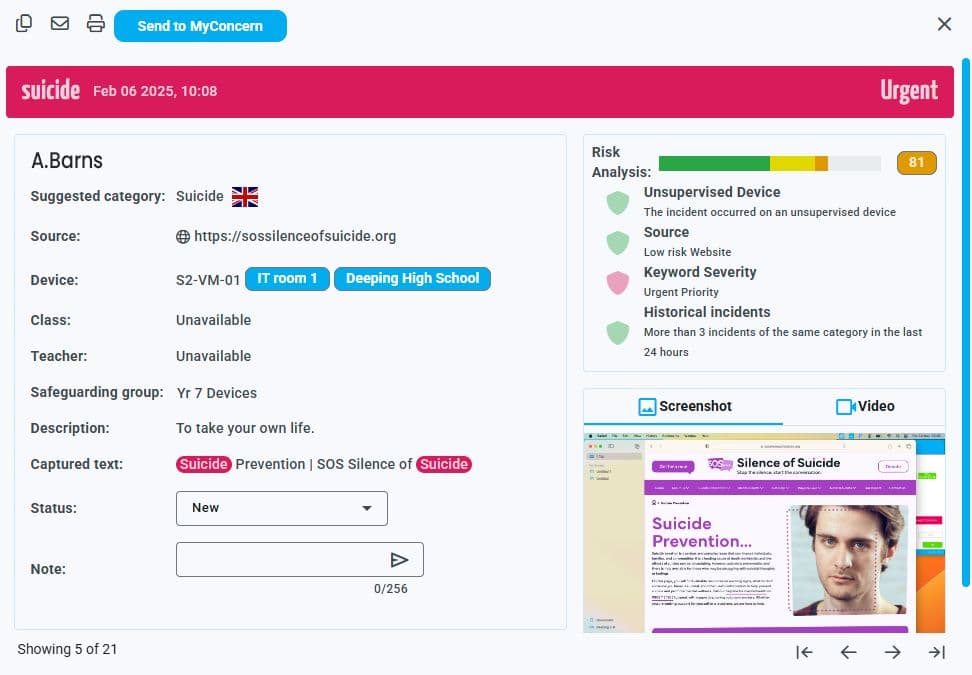
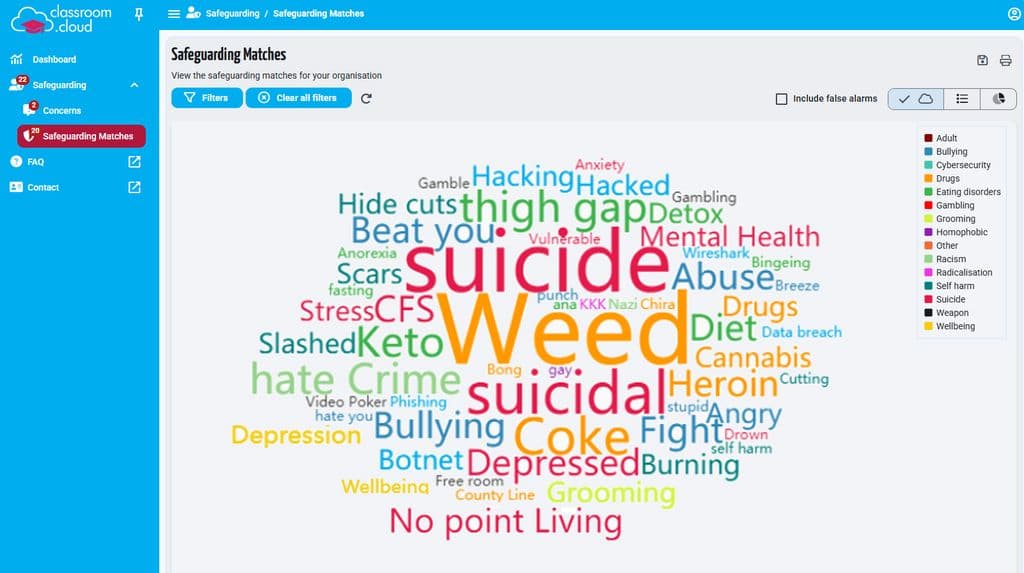
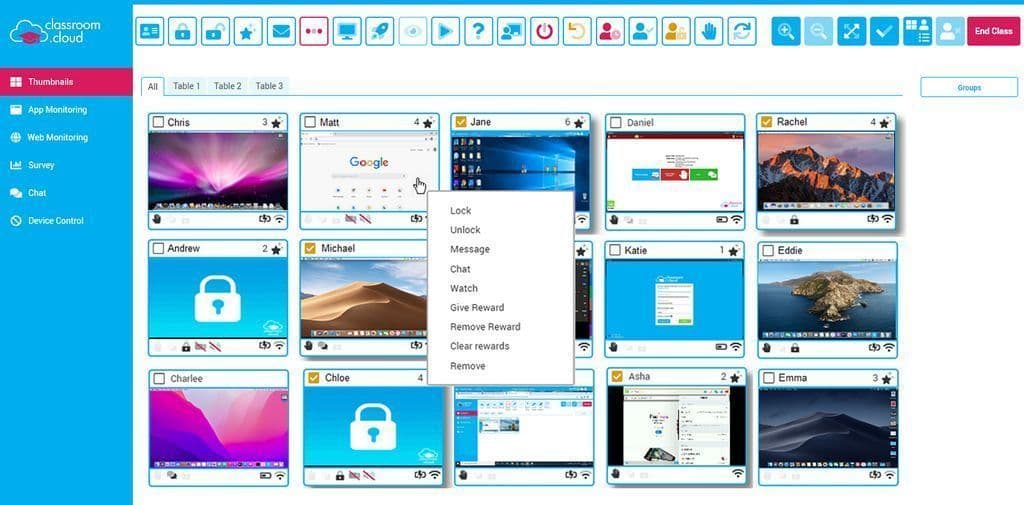
 Chet, IT Operations Manager: its a good product, but has lots of potential for improvement.Raechel, Senior ICT Technician: There is still so much that can be done to make this an even better platform and from a technician's POV the potential for remote working, auto start ups and working on multiple computers can significantly reduce work load.Jerome Nogues, Head of Digital Learning: It's low cost. Does a great job at monitoring screens, pastoral issues and helps greatly with teaching and learning.


AB Tutor supports Windows 7 and above and Mac OS X 10.11 and above. We recommend 4GB of RAM and a 2.1GHz processor. The Central Server should have plenty of hard drive space for logs.
Once users have registered for an account (using an email address), classroom.cloud is super easy to install and set up!
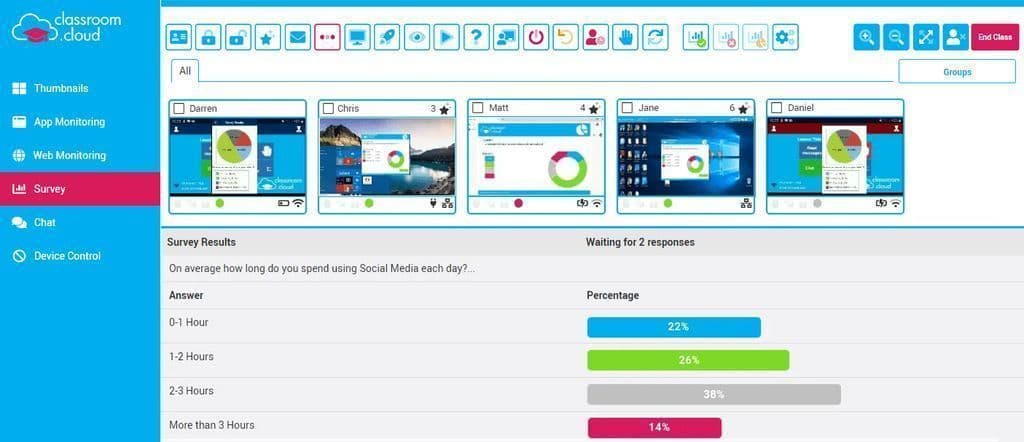
Despite the global pandemic, schools continue to provide valuable lessons online. Moving lessons online means that tutors need to be a lot more organised in planning activities and setting regular, independent work. Being more proactive with marking work is also suggested to ensure that some students, who find it difficult learning online, do not fall behind.
Behind every chat, phone call and email is a real person. We provide free support from Monday to Friday, 9am–5pm, across global time zones.
On Premisese solution and Cloud Solution are quick and easy to set up both have clear instructions and supporting YouTube videos
30 minutes!



Free VersionFreemiumFree TrialPaid SubscriptionOne-Off FeeHourly Rate
AB Tutor Subscription - lite site licence £550 Site Licence 1100 per year
Cloud 10 - 100 devices £290 per year
Free VersionFreemiumFree TrialPaid SubscriptionOne-Off FeeHourly Rate
classroom.cloud has one fixed price per device, per year, and absolutely no hidden costs or sneaky extra charges!