Compare Tes MyConcern vs Kognity
Use the “Add Product” button to compare up to 5 products side-by-side.


Country: United Kingdom
Country: Sweden
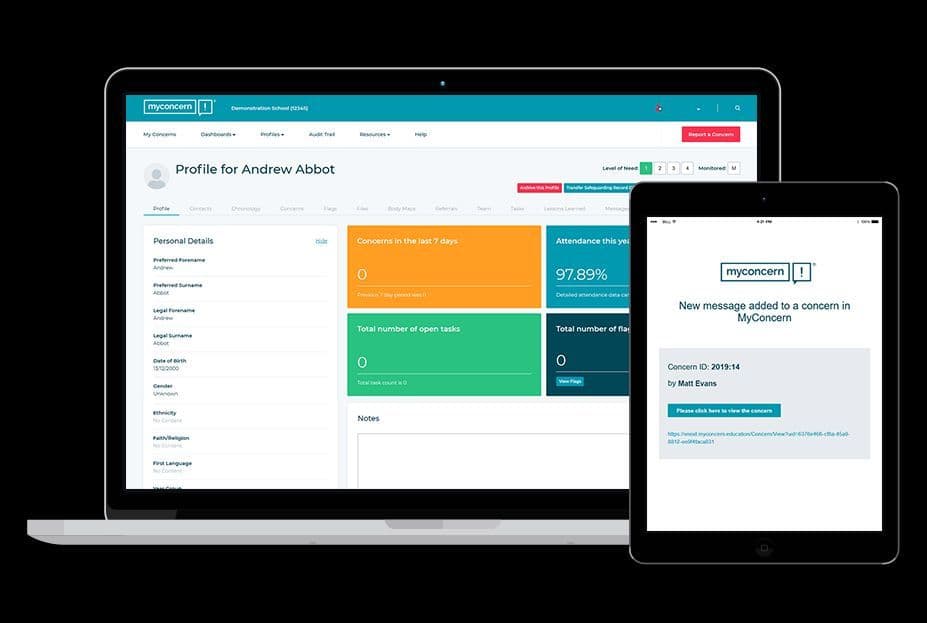
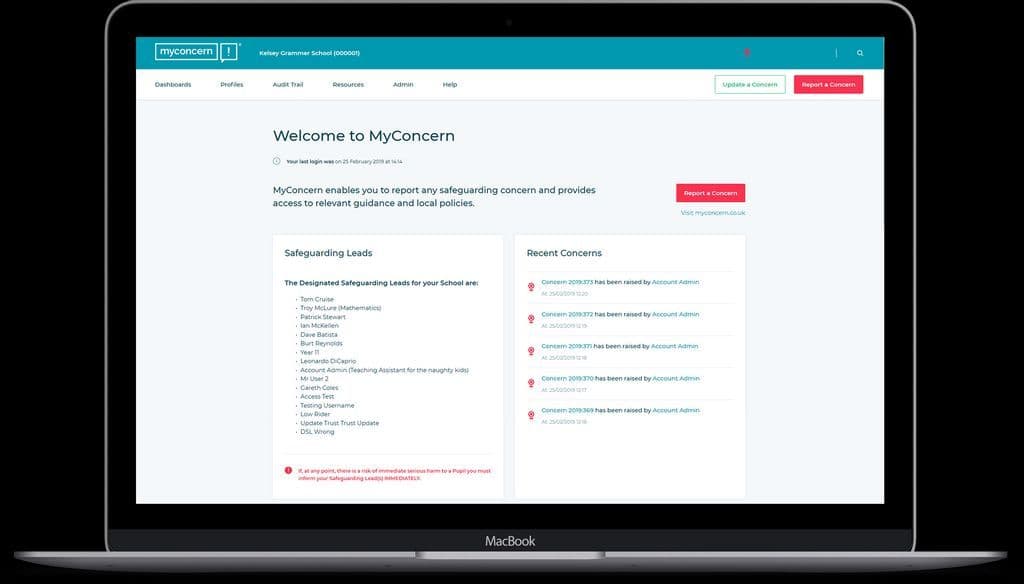
 Mike Maher, Safeguarding Manager: Really intuitive system, very user-friendly.David Williams, Assistant Headteacher: Simplicity of interface helped ‘sell’ safeguarding to all staff
Tasking colleagues helps track workload
Easy monitoring progress of concerns as DSP
Admin of staff easy
Links with primaries to transfer concerns helps historicalbprofiles: Intuitive, user friendly and something I could not live without. It's a godsend to safeguarding.Matthew, Mumber of staff: Because that’s how helpful it might be for teachersNeha Chaudhary, Teacher-Biology: I would expect to have more topic specific practice questions taken from the past papers to support students learning and their achievement levelsRuramai Rinomhota, Teacher: Because it is very good
Mike Maher, Safeguarding Manager: Really intuitive system, very user-friendly.David Williams, Assistant Headteacher: Simplicity of interface helped ‘sell’ safeguarding to all staff
Tasking colleagues helps track workload
Easy monitoring progress of concerns as DSP
Admin of staff easy
Links with primaries to transfer concerns helps historicalbprofiles: Intuitive, user friendly and something I could not live without. It's a godsend to safeguarding.Matthew, Mumber of staff: Because that’s how helpful it might be for teachersNeha Chaudhary, Teacher-Biology: I would expect to have more topic specific practice questions taken from the past papers to support students learning and their achievement levelsRuramai Rinomhota, Teacher: Because it is very good


From the moment you start using MyConcern, we’re with you every step of the way to help ensure the safety of the students in your care. Setting up takes just a few hours and there is very little technical intervention required. MyConcern integrates seamlessly with a wide range of MIS systems, saving you time and preventing data duplication.
Our friendly and knowledgeable Customer Success team is always ready to assist. They’ll help you get up and running quickly and you can guide yourself through our modular e-learning platform, which walks you through any customisation needed for your school. You can continue to sharpen your skills throughout the year with regular webinars and refreshers, ensuring you're always getting the most out of MyConcern.
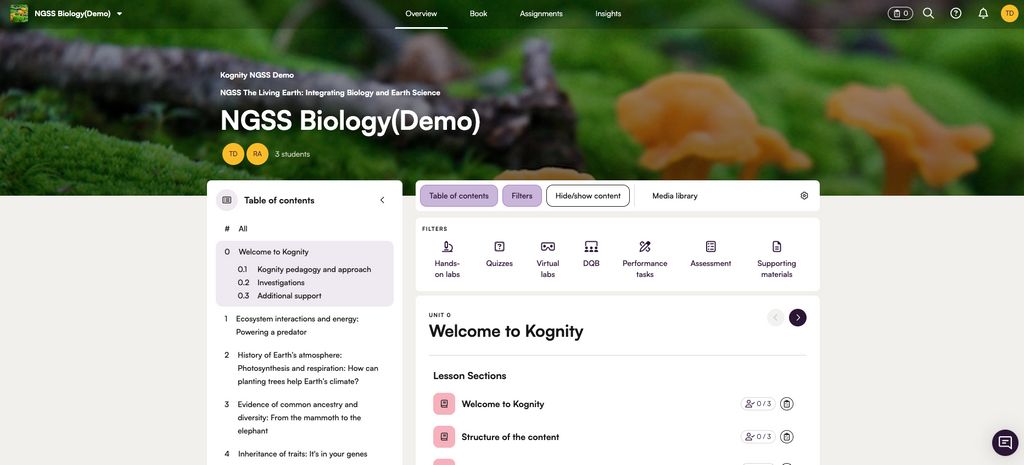
Kognity is designed to support a wide range of teaching environments and resource levels. The platform allows for multiple implementation variations, meaning teachers can use Kognity without requiring a computer for every student in the classroom. This flexibility supports whole-class activities, such as projecting a lesson, as well as small group work, partner assignments, or 1:1 student device models.
MyConcern is an intuitive platform designed to be easy to use. During onboarding, you'll get access to our e-learning platform, guiding you through its features to support your role as a safeguarding lead or case manager. Our Customer Success team also offers regular webinars and training sessions, and you'll find helpful bite-sized "how-to" videos within MyConcern anytime you need assistance.
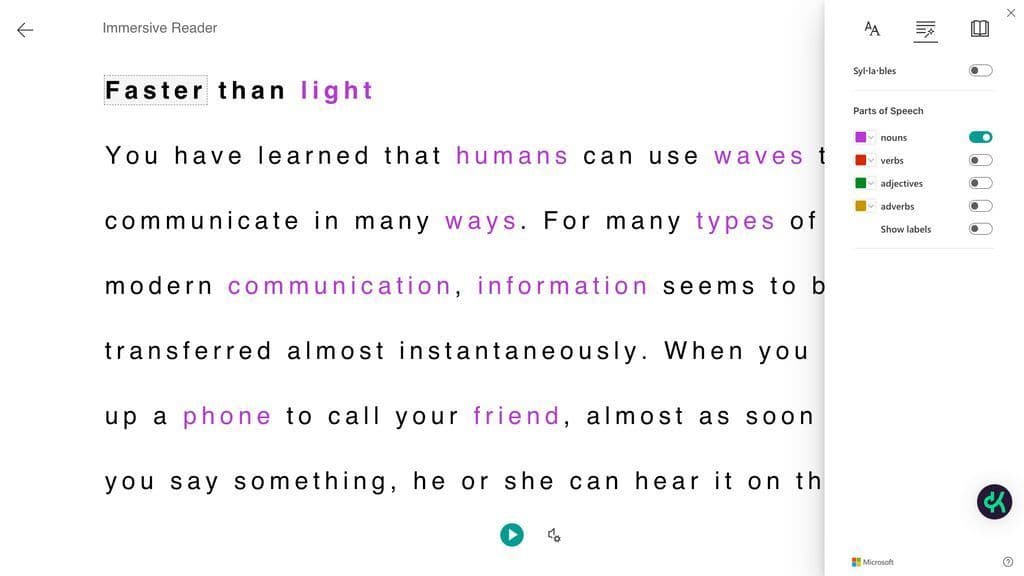
We provide training for all our schools, teachers, and students. This can be in-person or online, through workshops, or videos, depending on the school needs and partnership type.
In just a few hours our team can integrate your MIS and set up for safeguarding success.
1 to 3 days


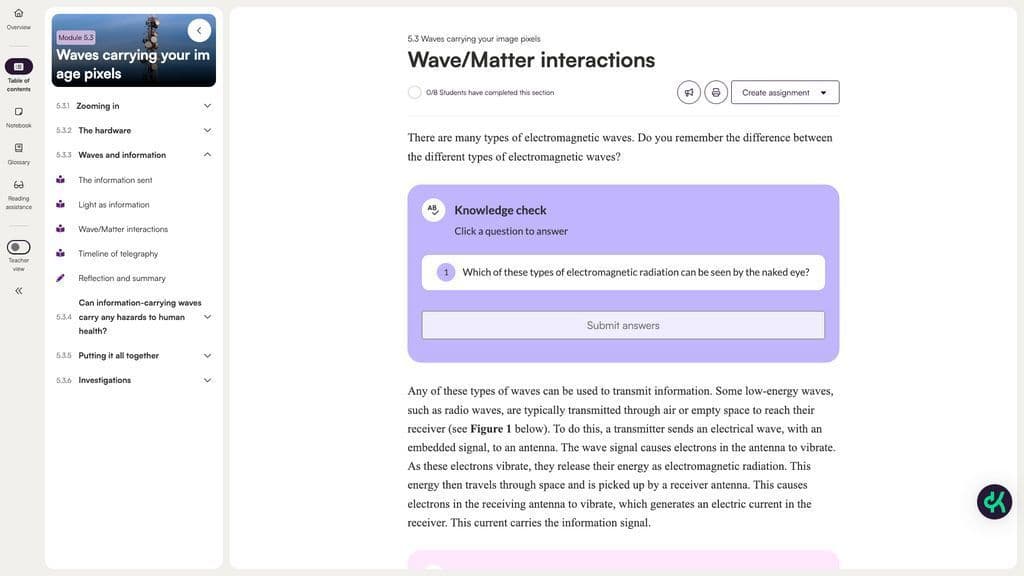
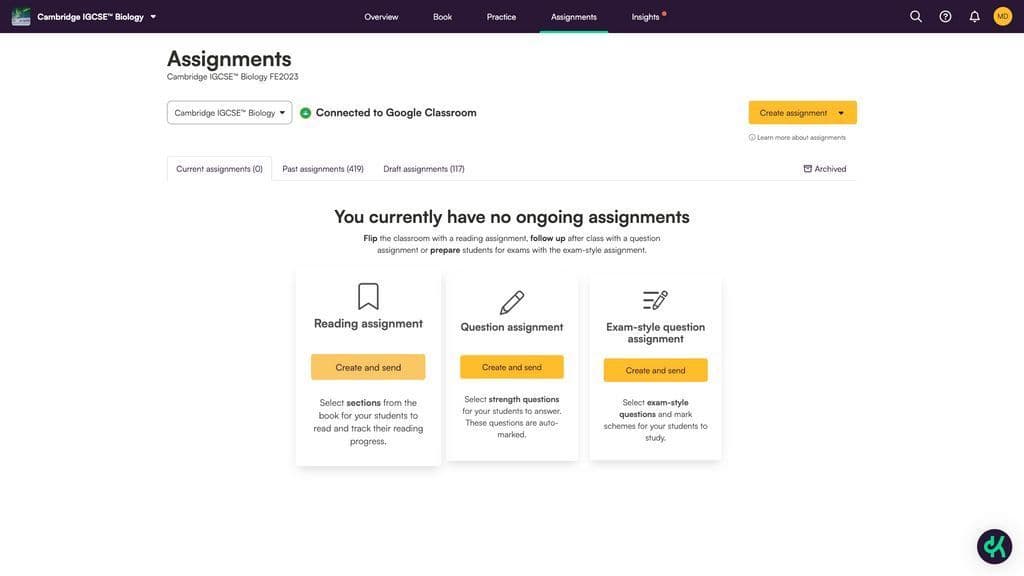
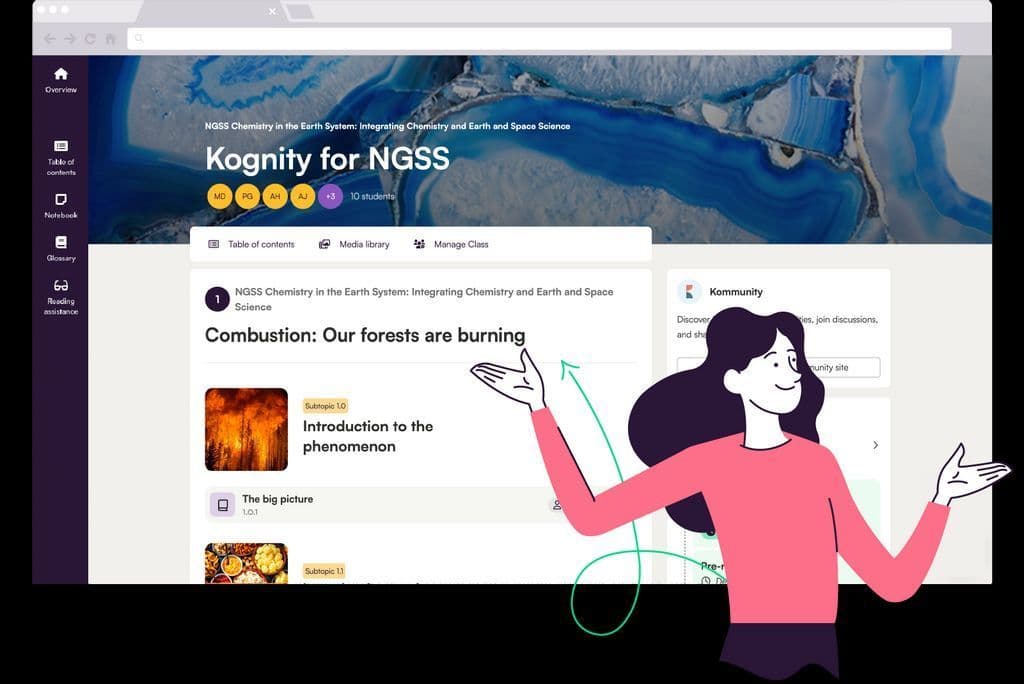
Free VersionFreemiumFree TrialPaid SubscriptionOne-Off FeeHourly Rate
MyConcern is priced individually for each setting so that you only pay for what you need. Pricing includes:
- Product training
- User helpline
- Technical support service
- All hosting costs
- System maintenance
- Software upgrades
- Integration with your local MIS System
Multi-school pricing available. Request a quote.
Free VersionFreemiumFree TrialPaid SubscriptionOne-Off FeeHourly Rate
Prices vary according to the number of students that will have access to the platform and the number of subjects* they will access; teacher accounts are always free.
*Not applicable for NGSS High School Science partners.


