Compare Tassomai vs Access GCSEPod
Use the “Add Product” button to compare up to 5 products side-by-side.


Country: United Kingdom
Country: United Kingdom
Increased usage over time is linked to improved attainment above predicted grades.


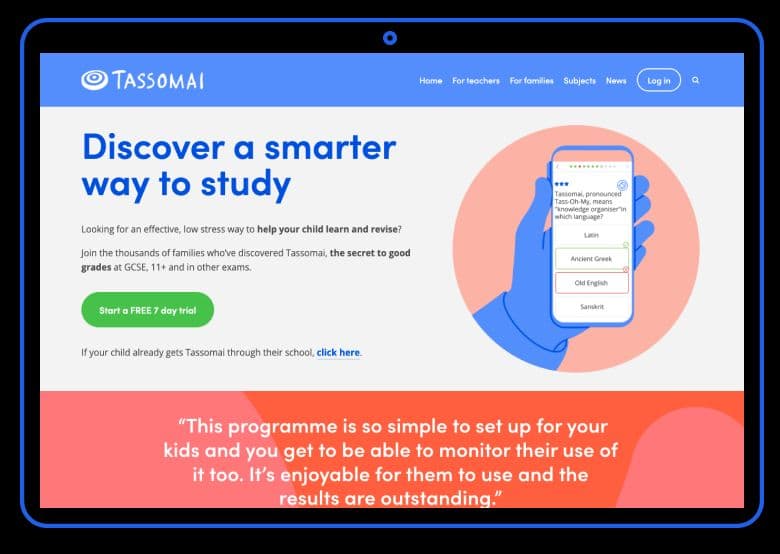
Tassomai is accessed through a web browser or via our mobile app and it doesn't use a lot of mobile data.
Setting up GCSEPod is straightforward. With just a few quick steps, such as whitelisting a handful of URLs and integrating with your
school’s MI, your school’s digital lead or systems coordinator can have the platform up and running in no time. To make things even easier, every school is assigned a dedicated customer support specialist who’ll guide you through setup and be on hand whenever you need.
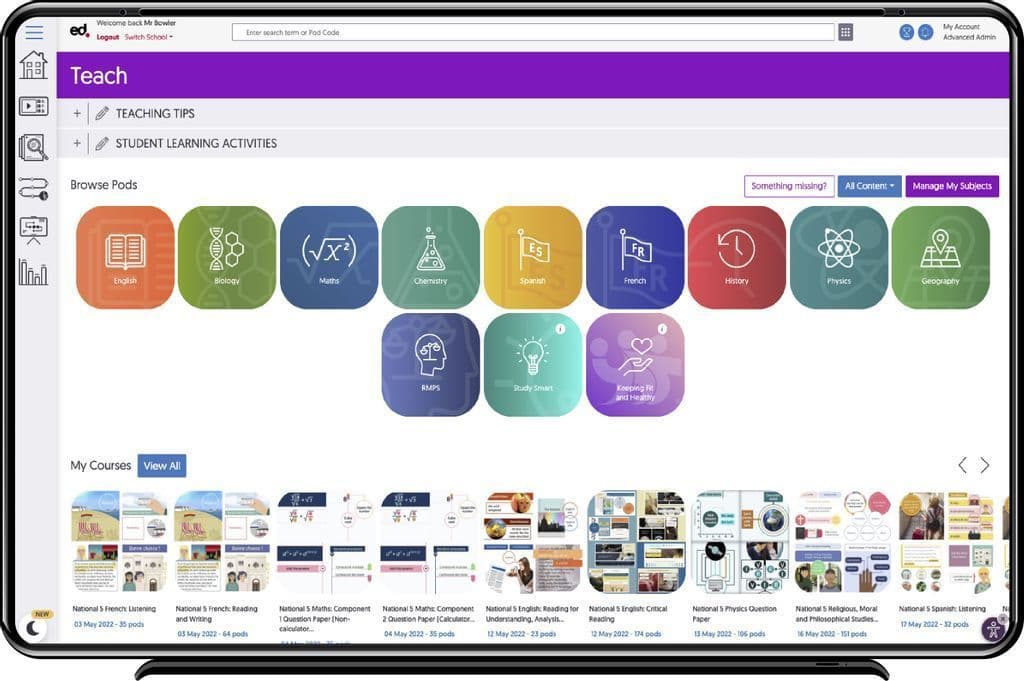
Once set up, it’s as intuitive as using Netflix or Spotify. Teachers can assign content with ease, and students can dive straight into learning without any technical hurdles. It’s designed to fit seamlessly into your school’s existing digital ecosystem, making adoption effortless for everyone involved
We strongly encourage schools (particularly new schools) to book a 30 minute training demo.
Conducted via screen-share software, unless specifically requested to be in-person, departments will go through how Tassomai works from both a staff and student perspective, with time left at the end for general Q&A.
These can be filmed and shared with the school afterwards as a reference point, or for teachers who were unable to make the original demo. We also have lots of helpful content for teachers and students on our blog.
We can support you with training as your school needs, from online presentations, webinars, training manuals, best practice sharing platform and idea generation with our GCSEPod champions through to self directred leanring via YouTube videos.
First, schools are sent a setup form, in which we take the information required to build orders to our system. During setup, we recommend schools book in a training demo, with at least two members of staff present. Once setup is complete, all staff receive a launch email, containing their school’s unique activation code. This code is then used by their students on our website to create their accounts. Students select their class from a dropdown which is created from the information provided on the setup form. Both staff and students require access to an internet-enabled computer or laptop in order to login to Tassomai. Tassomai is supported by all major internet browsers. Additionally, students with a smartphone will be able to download our mobile app for free and access Tassomai anywhere with an internet signal.
We can typically have your school fully up and running with GCSEPod within the week. Once the initial digital form is completed, it's as simple as uploading your teacher and pupil accounts, and you’re good to go! Our team is on hand to support you every step of the way to ensure a smooth and speedy setup.


Free VersionFreemiumFree TrialPaid SubscriptionOne-Off FeeHourly Rate
School packages: For each cohort that Tassomai is bought for, the cost per student becomes cheaper. Buying for 1 cohort costs £15 per student (annually), but if you buy for 5 cohorts (i.e. years 7-11), the most you will pay is £5 per student. When you buy for a cohort, up to 2 core subjects are included in the price.
Private subscribers: Payment is by a monthly rolling subscription which gives access to all relevant subjects, these vary depending on the child's age. Private subscriptions start from £8.99 per month for younger learners. See the Tassomai website for more information and to start a free 7-day family trial.
Free VersionFreemiumFree TrialPaid SubscriptionOne-Off FeeHourly Rate
For KS4 students in Year's 10 & 11, prices are from as little as £1 per student per month. All other students not in Year's 10 & 11 and teachers will receive access for free.