Compare Teachit vs ClickView
Use the “Add Product” button to compare up to 5 products side-by-side.


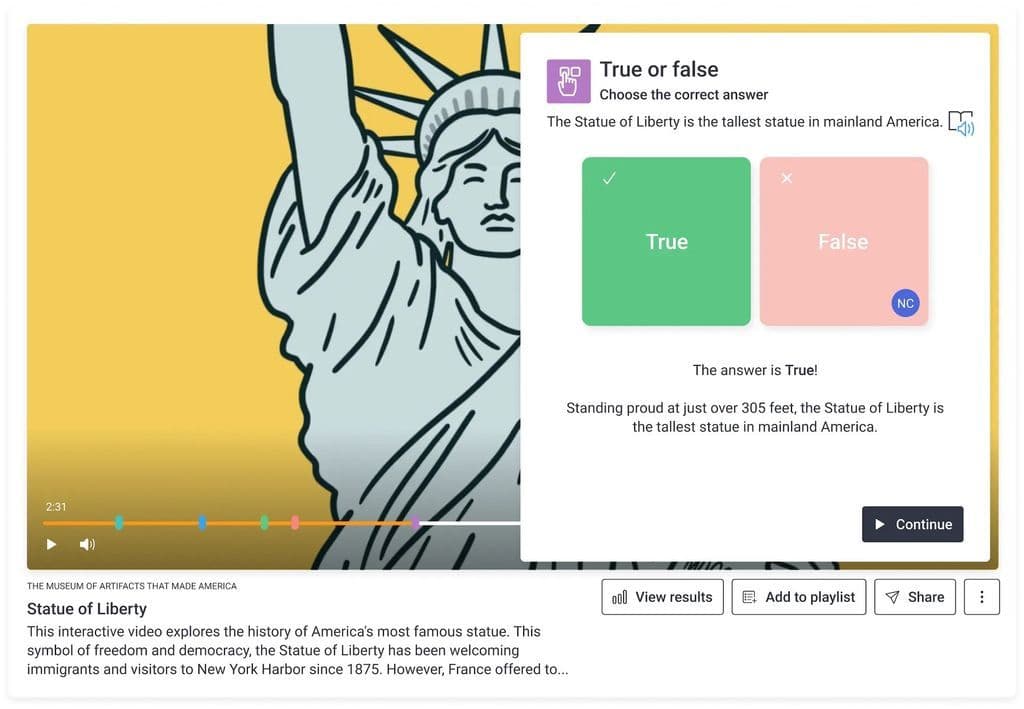
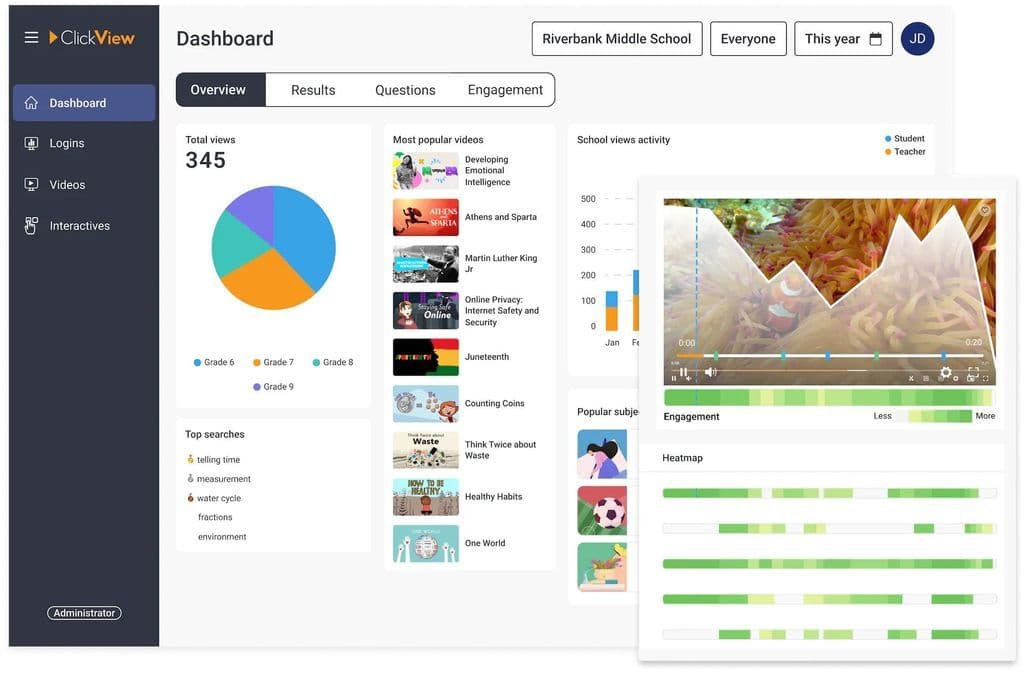
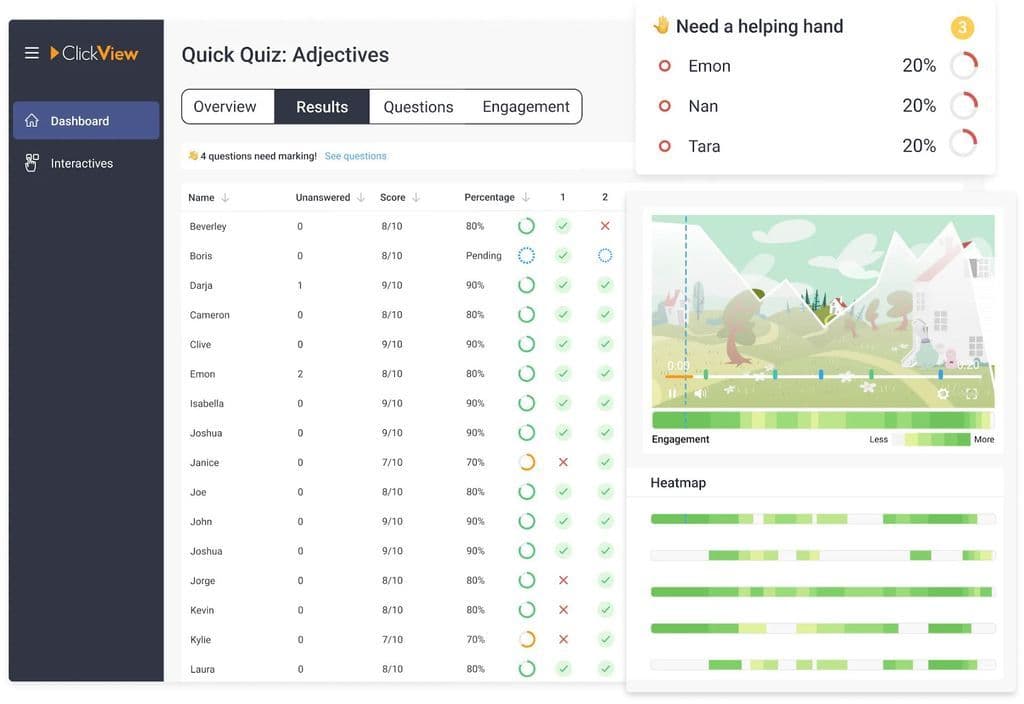
 Sam, Private tutor: I am now a paid up member so I can access PowerPoints and some other docs too, but tbh there is so much material on there that is free to download that I think I could have continued as a non paying member. If you're teaching in the classroom, the PowerPoints would be great but as a face to face tutor, I don't use them. One thing I do find frustrating is that if you key in a search for something specific, the docs suggested are not exact and you have to trawl through pages of suggestions (with tenuous links) in the hope you'll find one.Stuart Timmins, Technical Support: An invaluable resource for both staff and students, just for the library alone. The additional features, like the ability to embed quizzes or create clips, make it even better.Russ Lp, IT Manager: It works well, staff & students enjoy it and it's a really valuable resource for our school.Diane Douglas, Head of Department: I know that ClickView is highly rated by all teachers who use it. It is more than just a content platform - it allows for interactivity so that pupils are not simply passive consumers, it provides data for teachers so that we can see who is engaging with the content and it gives us access to recently broadcasted programming which means we can keep lessons up-to-date and relevant. It is an integral part of my classroom practice.


Sign up using an online form
ClickView is a cloud based product which runs through a web browser and as such, no ‘installation’ is required.
Most schools however wish to link ClickView into their current workflows, such as with learning management systems (eg Firefly, Frog, Google Classroom, Glow etc), Library management systems (Oliver, AccessIT etc) or single sign on solutions (Azure AD, SAML, Google etc), therefore we provide appropriate plugins/installation/configuration support to facilitate such access. This would usually be undertaken by the schools IT team, following user guides which we provide as part of the on-boarding process, with our product support team hand holding as appropriate.
All ClickView support, from technical and product support, to training and implementation, new releases and beyond are included as part of a schools subscription.
We deliver unlimited, unprecedented levels of support, with no cap on visits and training. Each school has a dedicated ClickView advisor who serves as their primary contact and who kicks off their on-boarding process with a meeting to discuss and create their personalised success plan. What good looks like is different for each school, as such, we start off by gaining an understanding of what each school wishes to achieve with ClickView and their individual teaching and learning needs. We aid our schools in a variety of methods to help them achieve their goals, such as technical setup (if required), building training and implementation plans, change management and sharing proven methods of engaging students and teachers. Both onsite and online training is provided to best suit not just the needs of the school but individual departments or groups of staff. Training can range from a single product overview, to practical examples of high impact teaching strategies using ClickView. We then setup an action plan together with the school, with action holders and review points to hold one another to account to deliver the results the school wish to achieve. They will agree regular ‘check in points’ with the school to ensure momentum and focus on results.
ClickView will develop an onboarding plan with the Buyer’s key contact team. This includes a rollout plan, including SSO (Single Sign On), integrations and training.
ClickView provides ongoing onsite or remote training to support users, alongside online training through video, webinars and online documentation.

Free VersionFreemiumFree TrialPaid SubscriptionOne-Off FeeHourly Rate
ClickView is a whole school product, delivered to all staff and students across all key stages and subjects.
Per school costs are from £4 per student, per annum with a minimum price of £500 for primary, £2000 for secondary, £995 for special schools.
Collective purchasing discounts available.
All setup, training, support and storage is included in the price (subject to fair use). There are no additional costs or service which require further payment.


