Compare Seneca Learning vs Learning By Questions

Use the “Add Product” button to compare up to 5 products side-by-side.

Have you used Seneca Learning before?
Have you used Learning By Questions before?
Company

Seneca Learning

Founded: 2016
Country: United Kingdom 

Learning By Questions

Founded: 2016
Country: United Kingdom 
Description

Seneca Learning

An online homework platform and revision hub with over 1000 exam-specific courses. Combining neuroscience and tech, this dynamic homework software...
Read more

Learning By Questions

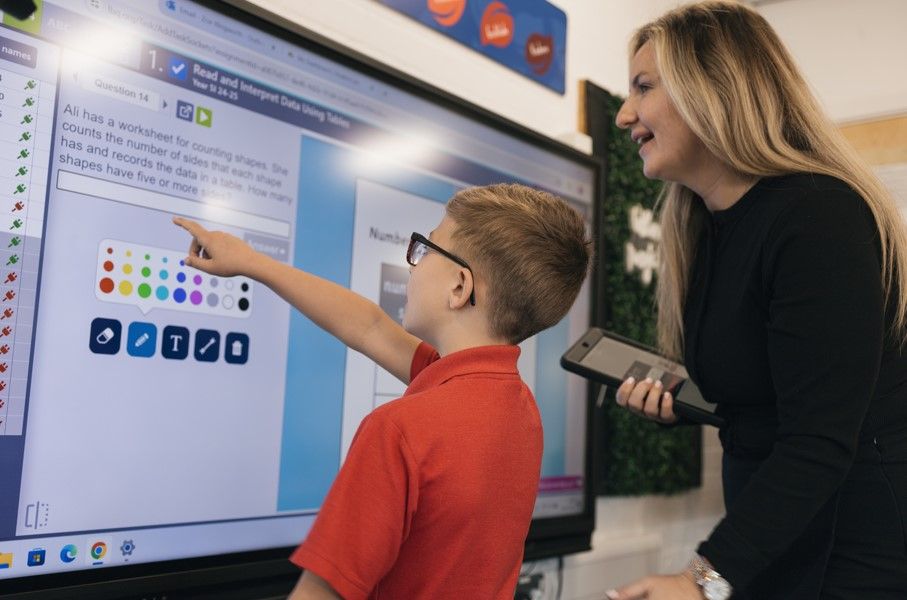
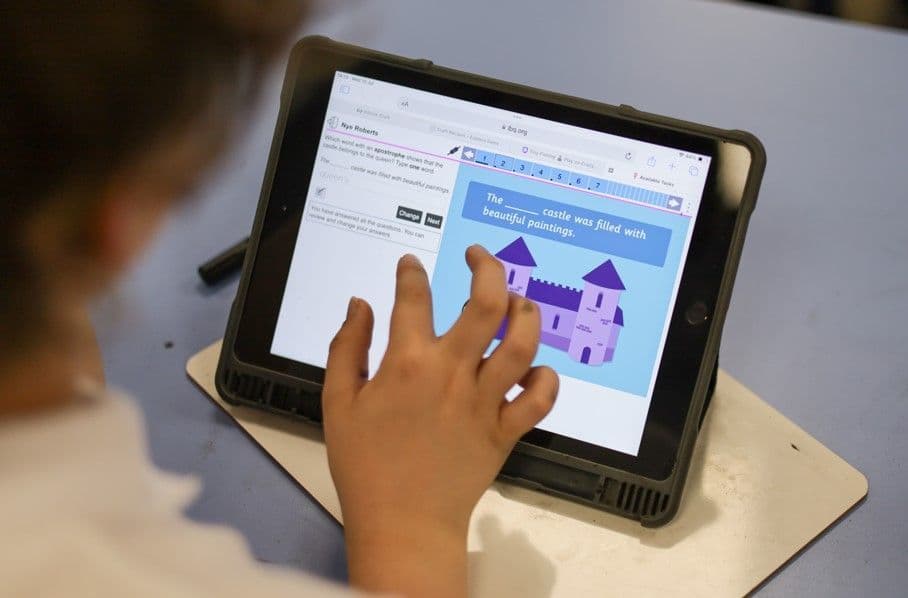
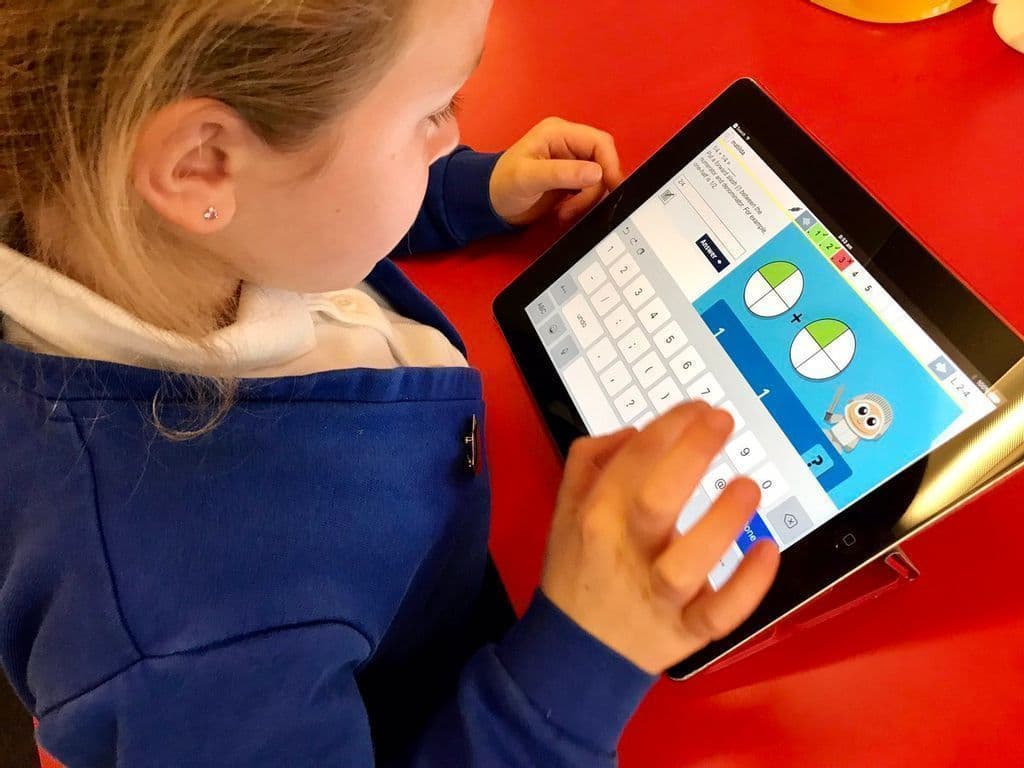
Curriculum-aligned Question Sets and immediate feedback to super-charge learning.
Read more
User Rating
Educational Impact

Seneca Learning

build student knowledge93%
save school money79%
improve teaching efficiency68%
Not measured 
Not measured 
Not measured 
Not measured 
 

Learning By Questions

build student knowledge92%
Not measured 
Not measured 
reduce teacher workload95%
provide school data92%
improve attainment88%
reduce attainment gap84%
 
Recommended Usage

Seneca Learning

Vendor has not supplied this information

Learning By Questions

Vendor has not supplied this information
Most Helpful Reviews

Seneca Learning

No reviews yet

Learning By Questions

Eilish Hanworth, Class Teacher: Just brilliant - children and teachers love it and the results are evident.
Mark Stephenson, STEM Lead and Y3 Teacher: Such a great resource to use. Thousands of question sets at the click of a button that our children from Y1-Y6 love using.
John Coombs, Teacher/ Maths Coordinator: The use of Learning by Questions has changed my teaching, changed the attitude towards learning of my pupils, has significantly helped to reduce the time I spend as a teacher planning and marking and most importantly has had a positive impact on the attainment of all the pupils that use it.
Read all reviews
Case Studies
Categories
Subjects
Age Range

Seneca Learning

11-13, 14-16, 17-18 

Learning By Questions

5-7, 8-10, 11-13, 14-16 
Features

Seneca Learning

Interactive CoursesSmart Learning AlgorithmsSet HomeworkCreate ClassesThe Best GifsKs2, Ks3, Gcse & A LevelProgress TrackingGoogle Classroom IntegrationMicrosoft Teams IntegrationArtificial IntelligenceExam QuestionsQuiz CreationAdaptive LearningParent ReportsTailored CoursesExam Prep 

Learning By Questions

Marking And FeedbackBuild FluencyBuilds Confidence And A Love For LearningAutomatic MarkingTeaching And Learning PlatformIdentifies Strengths And GapsEvidence-based InsightsReal-time Lesson AnalysisTeacher DataFormative AssessmentStudent DataPersonalised LearningTeacher DashboardLearning ResourcesNational CurriculumGive Student Feedback 
Languages

Seneca Learning

English, Spanish, German, French, Italian 
Accessibility

Seneca Learning

Moderate features 

Learning By Questions

Moderate features 
Policies

Seneca Learning

Privacy PolicyGDPRTerms of Service 

Learning By Questions

Privacy PolicyGDPRTerms of Service 
Requirements

Seneca Learning

Available OfflineInternet - Low BandwidthInternet - High BandwidthDesktop - MacDesktop - WindowsDesktop - ChromebookDesktop - LinuxMobile - iPhoneMobile - iPadMobile - WindowsMobile - AndroidRadioTelevision

Seneca runs on desktop, laptop, tablet or phone. Users can download the free app from the Apple and Google stores.


Learning By Questions

Available OfflineInternet - Low BandwidthInternet - High BandwidthDesktop - MacDesktop - WindowsDesktop - ChromebookDesktop - LinuxMobile - iPhoneMobile - iPadMobile - WindowsMobile - AndroidRadioTelevision

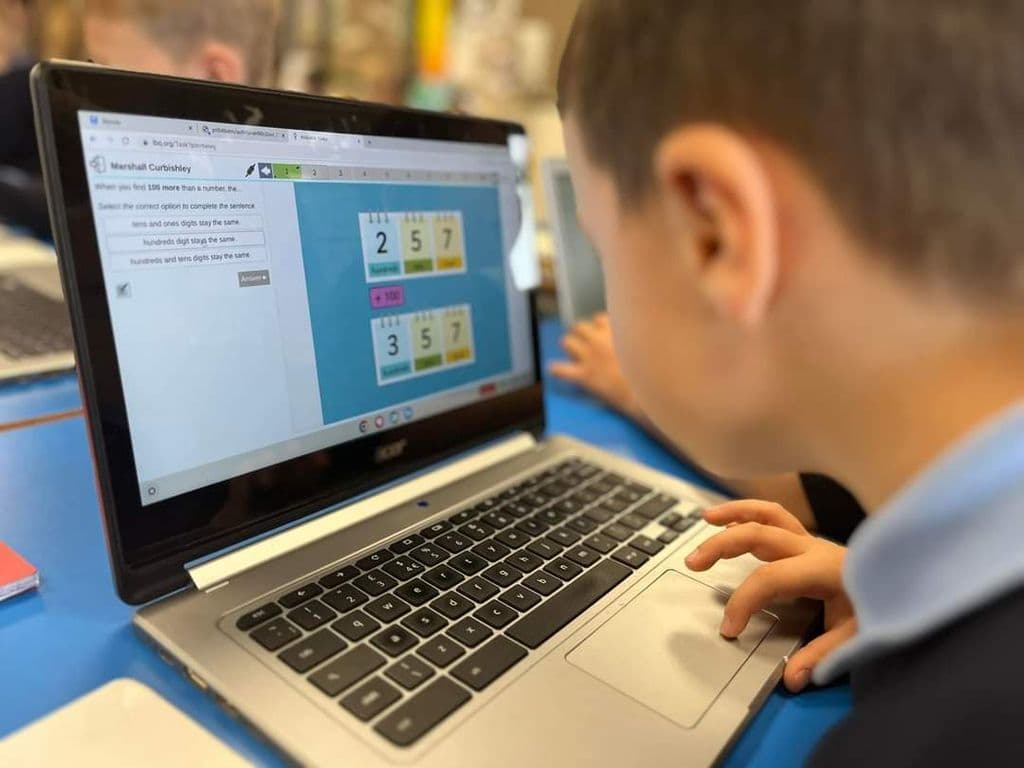
No client software installation is required for teachers using LbQ because it is cloud based and runs in a browser. The system requires internet connected pupil devices.

 
Training

Seneca Learning

In PersonLive OnlineWebinarsDocumentationVideos

No training is needed, but we do offer onboarding and training calls as well as tailored resources by feature, subject and age group.


Learning By Questions

In PersonLive OnlineWebinarsDocumentationVideos 
Set Up

Seneca Learning

Schools have the option to integrate Seneca with their MIS, whether it is SIMS, Arbor, SchoolBase, iSAMS or any other provider. If they do that, it takes no time to set up, as all information is automatically synced.

If this option is not used, then students and teachers need to manually create accounts and teachers must invite students to join their classes. It's a very easy and straightforward process.

Learning By Questions

You will be contacted, registered and set up within 48 hours

Support

Seneca Learning

24/7 Live RepPhone SupportEmail/Help DeskFAQs/ForumKnowledge Base 

Learning By Questions

24/7 Live RepPhone SupportEmail/Help DeskFAQs/ForumKnowledge Base 
Home Learning

Seneca Learning

Parent Access 

Learning By Questions

Not available To parents 
Screenshots
Video

Seneca Learning

Not available
Pricing

Seneca Learning

Free VersionFreemiumFree TrialPaid SubscriptionOne-Off FeeHourly Rate

Seneca offers four tiers:

- Free

- Supreme

- Exam boost

- Amelia AI assistant

Please go to our website for pricing information or to request a quote for your school.

Learning By Questions

Free VersionFreemiumFree TrialPaid SubscriptionOne-Off FeeHourly Rate

Learning By Questions pricing starts from £0.1 / per-pupil
Top Rated Alternatives