Compare Socrative vs Pupil Progress
Use the “Add Product” button to compare up to 5 products side-by-side.


Country: Canada
Country: United Kingdom
30 minutes
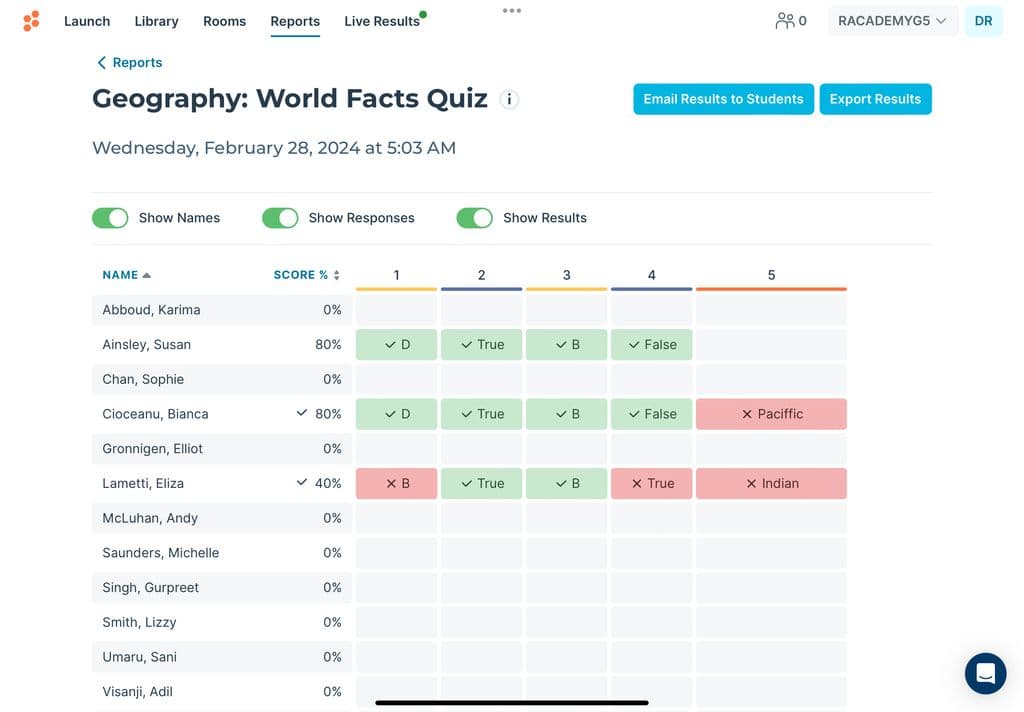
 Eluf Pedersen, Headteacher: Creates an additional chanal for teaching. Instant and individual feedback.Randy Laws, Teacher: For quickly obtaining feedback in class during presentations, there is nothing better on the market for the price. Right now it's access to AI features is limited, and that is going to negatively affect my overall view of Socrative unless they start improving that quickly.Eric Benvin, Teacher: It is a useful tool to review material and to see where students miss certain concepts.Kim Collier, Assistant Headteacher: Pupil Progress has enhanced how we assess and monitor student progress in a very short space of time. It creates complete transparency for teachers, leaders, students and parents and drives more meaningful conversations about student achievement.Tim Bond, Assistant Headteacher: the company and the programme is exactly what we needed. The team have tuned their programme to meet the exact needs of my school so that I can build a platform that allows students, parents and staff can all work together with - the company have been incredibleKathryn Steel, Operations Manager: It is incredibly intuitive and easy to maintain


Socrative can be used on any device, using either a web browser, iOS or Android app.
No IT set up is required. Creating an account as a teacher is as fast and easy as a few clicks.
No student accounts required. All your learners need to complete an assignment is the 'room name' created in the teacher's Socrative account.
The software is a cloud-based service, with each teacher able to create their own account and login. Teachers are taken through a very simple and fast set up process; select the subject area, the exam board being used to deliver the qualification and you are ready to go! Just start adding data for an instant grade calculation.
If teachers wish to add classes they can either share the lists through our GDPR Compliant Portal or they can simply upload a template containing student names. The Technical requirements are very low as the software has been designed to be as intuitive as possible to use.
We do offer and recommend a demonstration call so that teachers can see it in use to ensure that they are able to make the most out of the system. We also have live chat as well as a full tutorial video library showing users how to use each feature and why that feature is of particular use.
If extra training is required, we do have a support section on our website with instructional PDFs, as well as training videos. Customers can also get in touch with our Support team via Live Chat, or their dedicated Customer Success Manager.
Headline CPD Workshops and Training
SLT: Implementation & Impact Workshop
Middle Leaders: Hearts & Minds Workshop
All Staff: Tracker Navigation & Classroom Impact Workshop
Student & Parent: Engagement & Empowerment Workshop
1:1 online calls for all staff members 7 days a week.
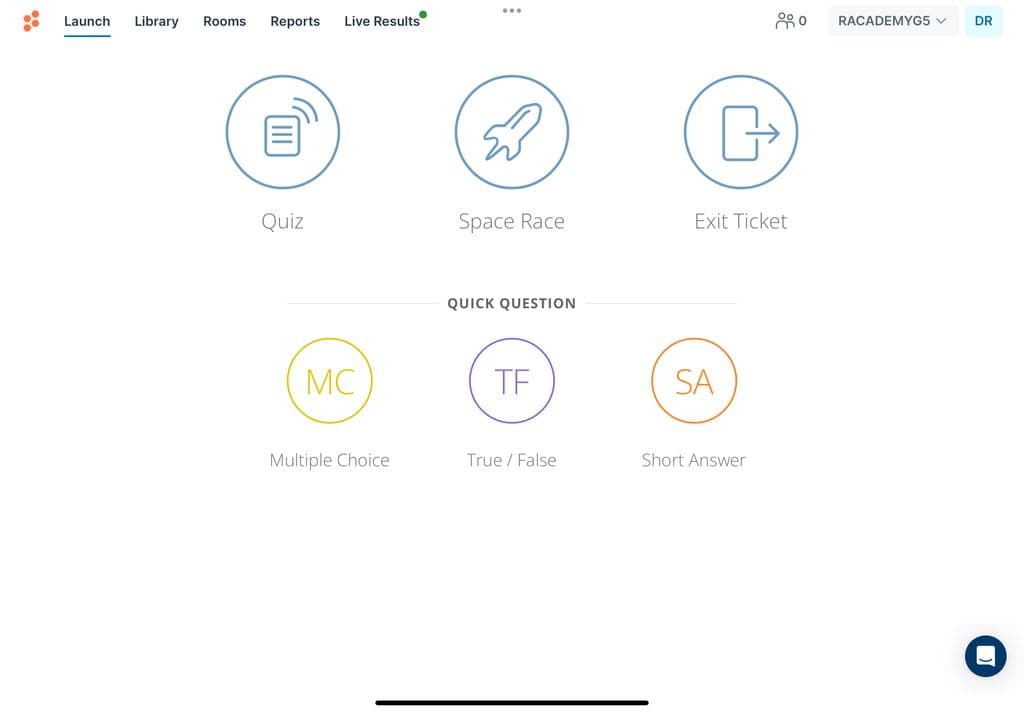
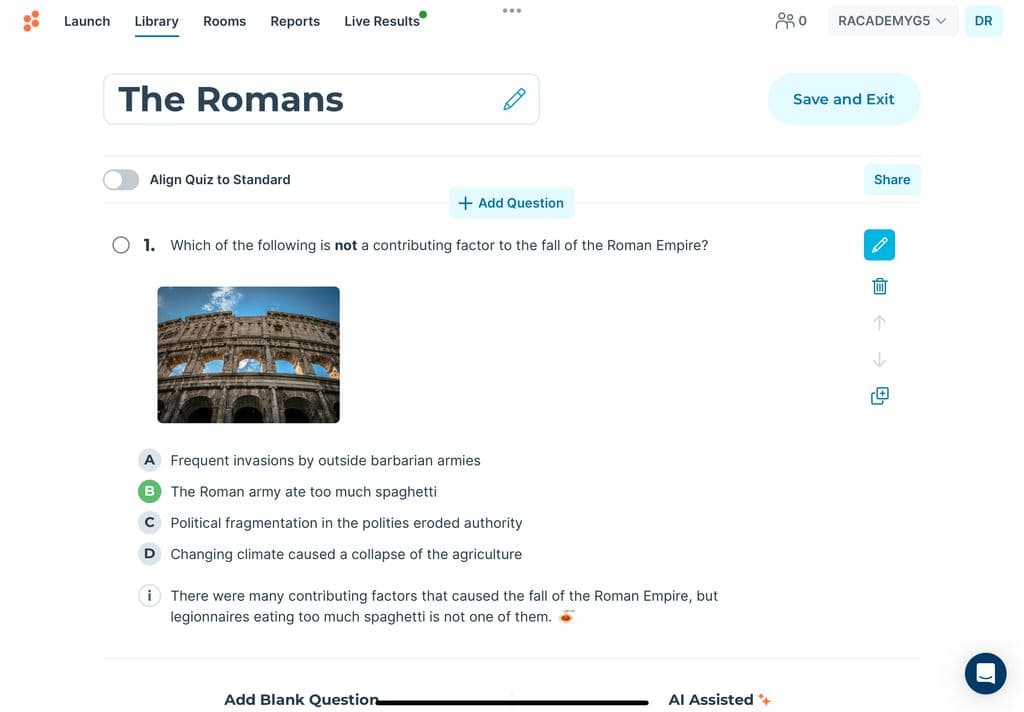
Launch your first quiz in a matter of minutes by easily importing your quiz content or leveraging our SocrativeAI to help you build the perfect quiz to test your students' knowledge. Students can instantly and securely access their quizzes to get started on their assessments and get instant results on their progress.
The set up typically takes 5 - 10 minutes, with full live support available from our tech support team!


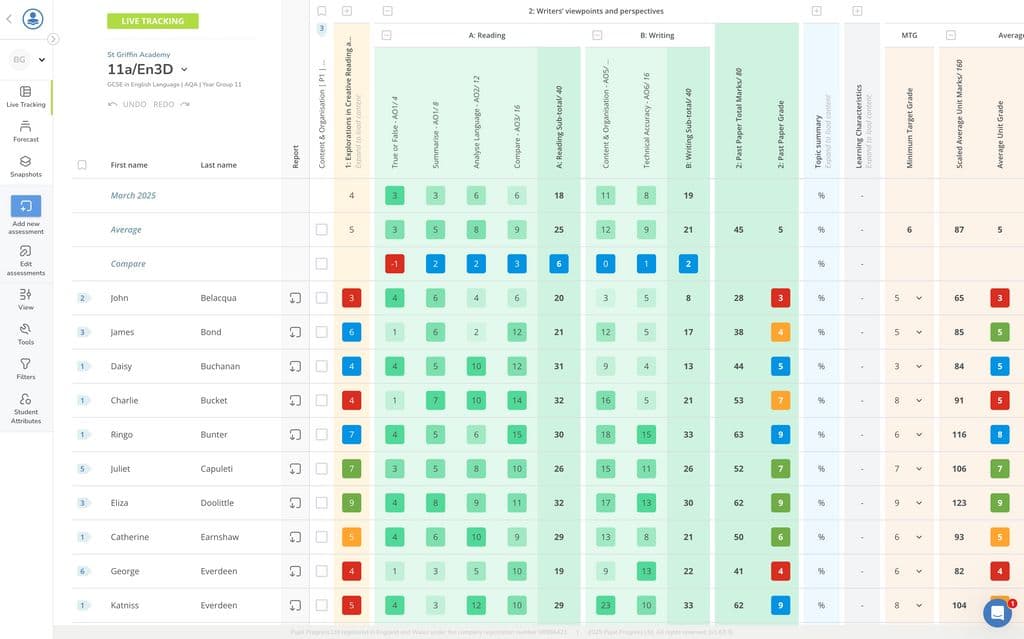
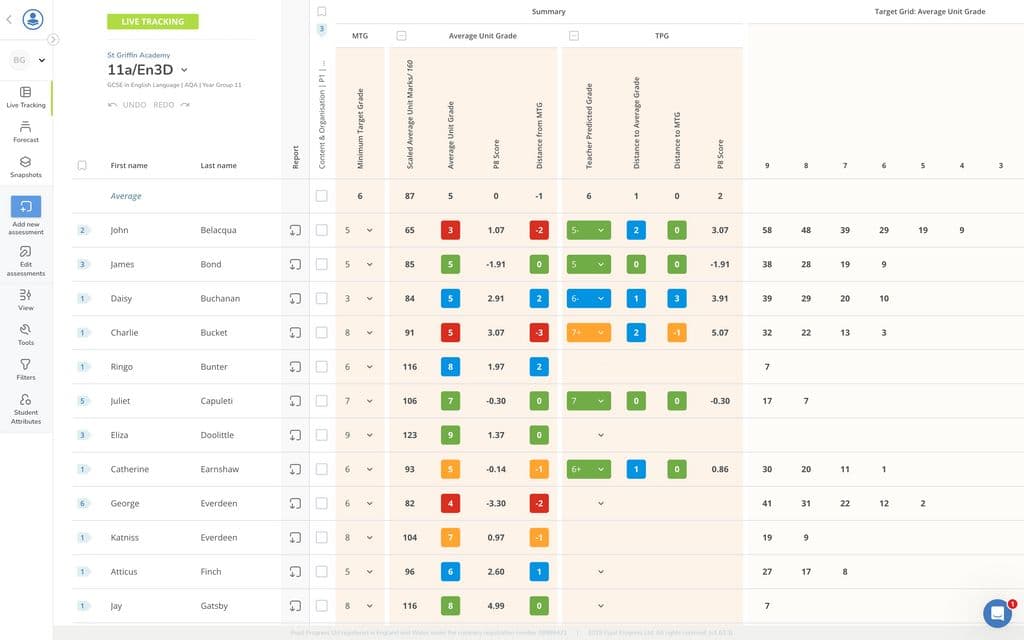
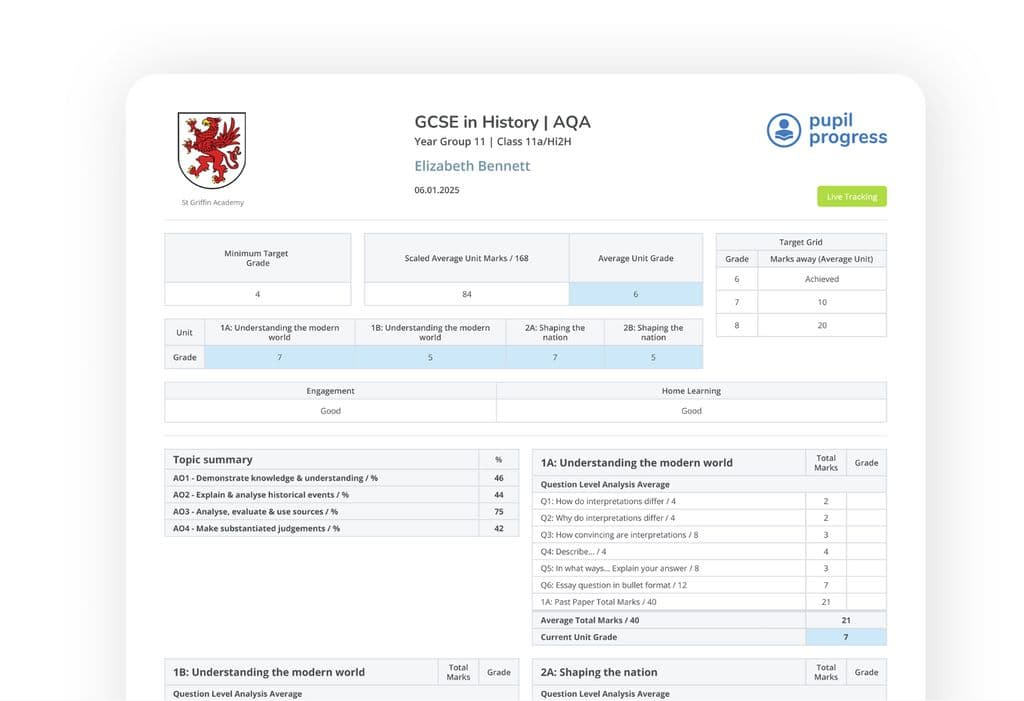
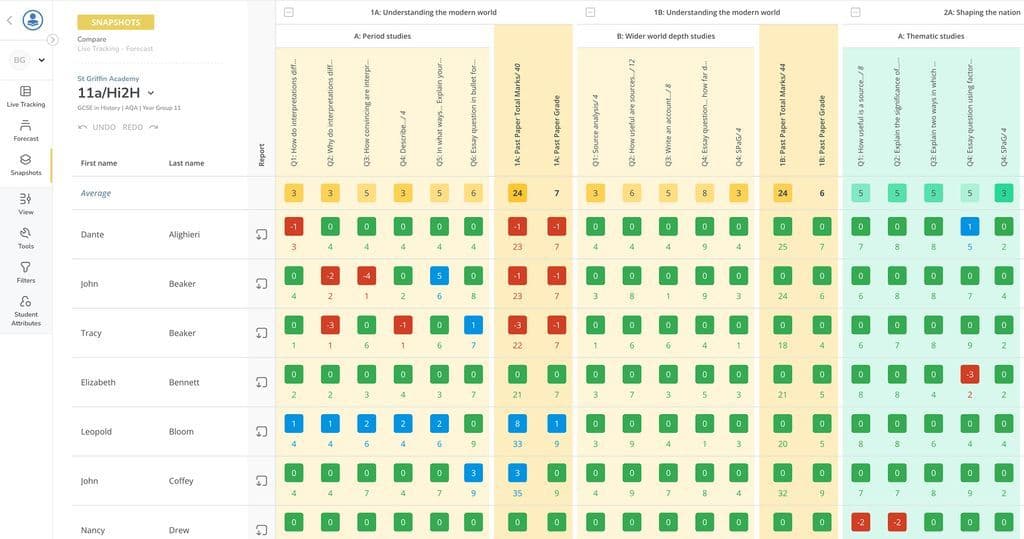
Free VersionFreemiumFree TrialPaid SubscriptionOne-Off FeeHourly Rate
Showbie offers three unique pricing tiers, starting with our free version. Enhanced features are accessible in Socrative Essentials and Socrative Pro.
Free VersionFreemiumFree TrialPaid SubscriptionOne-Off FeeHourly Rate
Pricing for our services depends on factors like the size of your school or trust, number of key stages, and length of agreement. If your needs don’t quite match the options listed, please get in touch so we can discuss how we can best support you.


