Compare Sparx Maths vs Educake
Use the “Add Product” button to compare up to 5 products side-by-side.


Country: United Kingdom
Country: United Kingdom
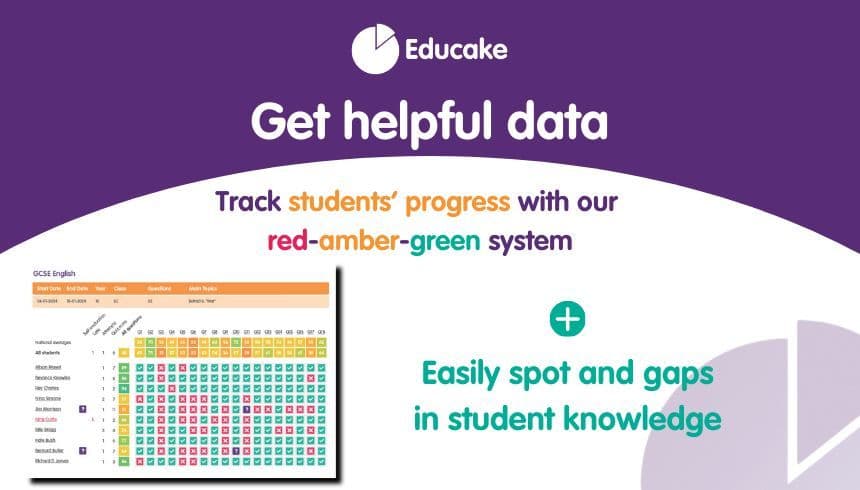
To see meaningful impact, we recommend students use Educake 2-3 times per week. Regular use helps check understanding of new topics and reinforces learning through retrieval practice. Short quizzes set during and after teaching support long-term memory, while weekly revision of past content strengthens recall through spaced learning. Over time, this consistent, low-stakes practice builds confidence and improves outcomes.
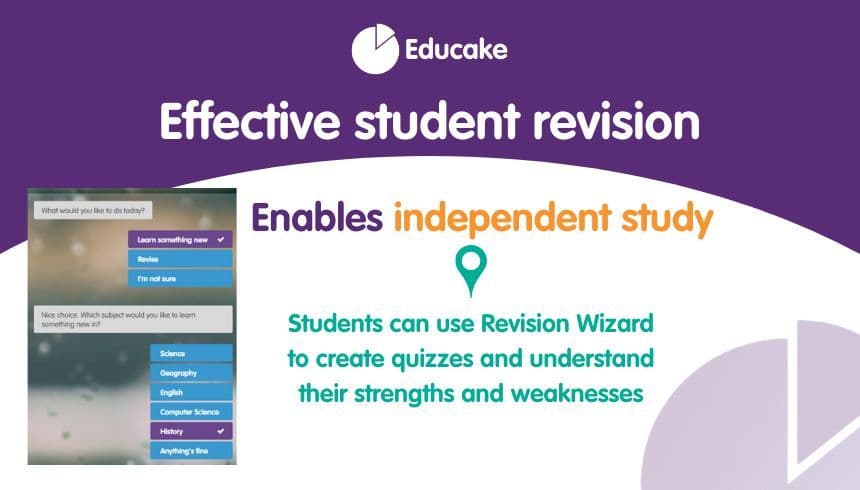
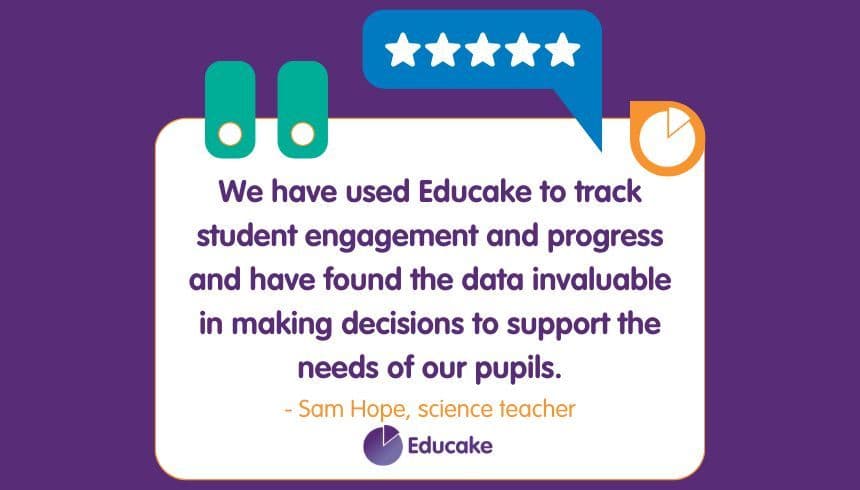
 Bob.bob, Parent: TERRIBLE! She has been stuck here, on 1 question for 3 hours trying every answer, we've watched the video, googled it, I don't know what to do! SO disappointed! My child has cried 10+ times because of this!Rachael Shaw, Teacher: At ks3, I don't feel there is enough scope to test the texts and skills we teachElouise Dobson, Curriculum Leader: Educake has been a real game changer for our department! It has made the setting and assessment of home learning easier and greatly improved consistency. The 'Revision Wizard' tool has supported students through the all-important final revision period and the student league tables have allowed for relationships to be built with students and rewards given. We would thoroughly recommend!Andy Hodge, Head of Department: I can use this for all students from Yrs11-18. Although the question bank is aimed at KS3/4, students doing A Levels benefit from revising GCSE content through Educake. I can also test KS5 content by writing my own questions. Consequently almost every student in the school has an account (because they almost all take Science at one Key Stage or other). It is a big annual investment, but it works out at about £1/student/year at the moment.
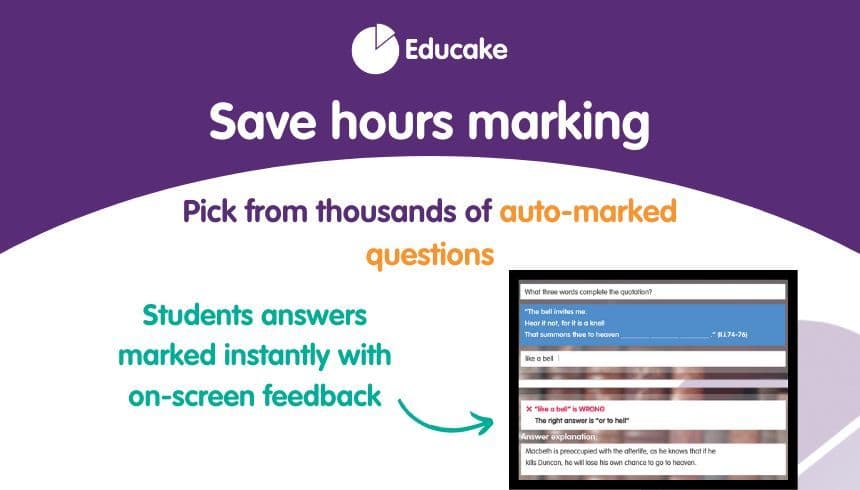
Student-friendly, teacher friendly, versatile and allows integration with other learning resources.
Bob.bob, Parent: TERRIBLE! She has been stuck here, on 1 question for 3 hours trying every answer, we've watched the video, googled it, I don't know what to do! SO disappointed! My child has cried 10+ times because of this!Rachael Shaw, Teacher: At ks3, I don't feel there is enough scope to test the texts and skills we teachElouise Dobson, Curriculum Leader: Educake has been a real game changer for our department! It has made the setting and assessment of home learning easier and greatly improved consistency. The 'Revision Wizard' tool has supported students through the all-important final revision period and the student league tables have allowed for relationships to be built with students and rewards given. We would thoroughly recommend!Andy Hodge, Head of Department: I can use this for all students from Yrs11-18. Although the question bank is aimed at KS3/4, students doing A Levels benefit from revising GCSE content through Educake. I can also test KS5 content by writing my own questions. Consequently almost every student in the school has an account (because they almost all take Science at one Key Stage or other). It is a big annual investment, but it works out at about £1/student/year at the moment.
Student-friendly, teacher friendly, versatile and allows integration with other learning resources.


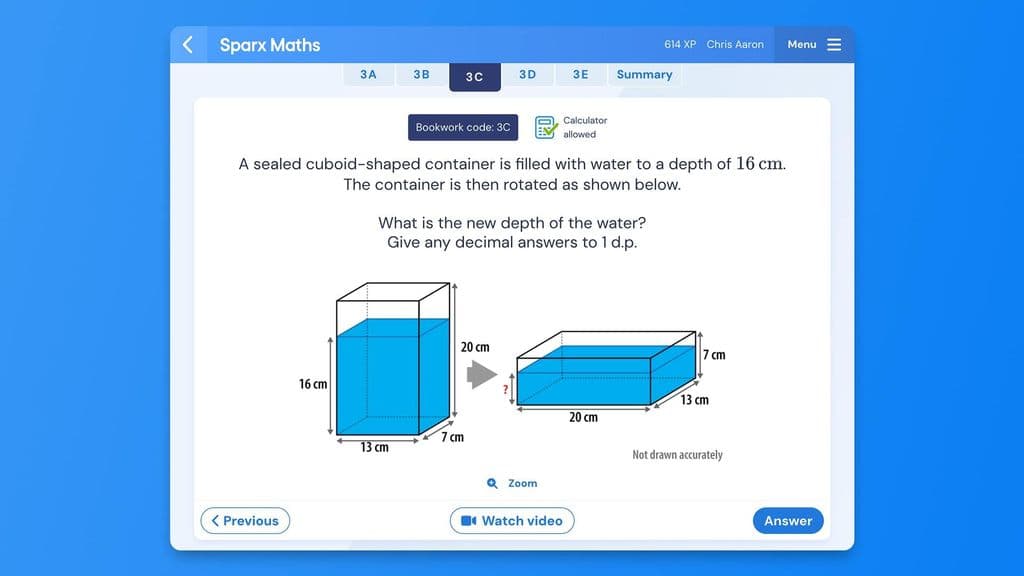
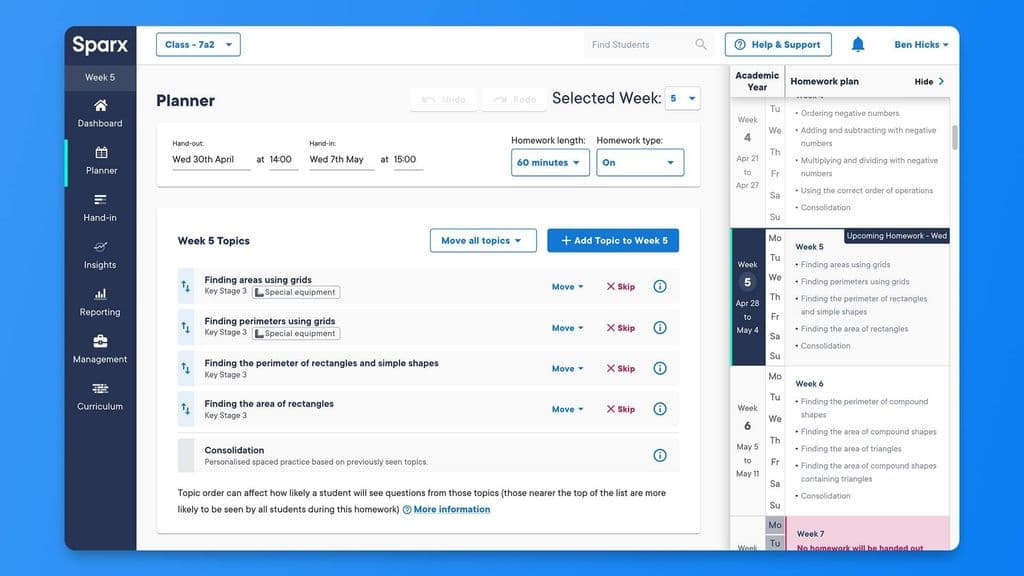
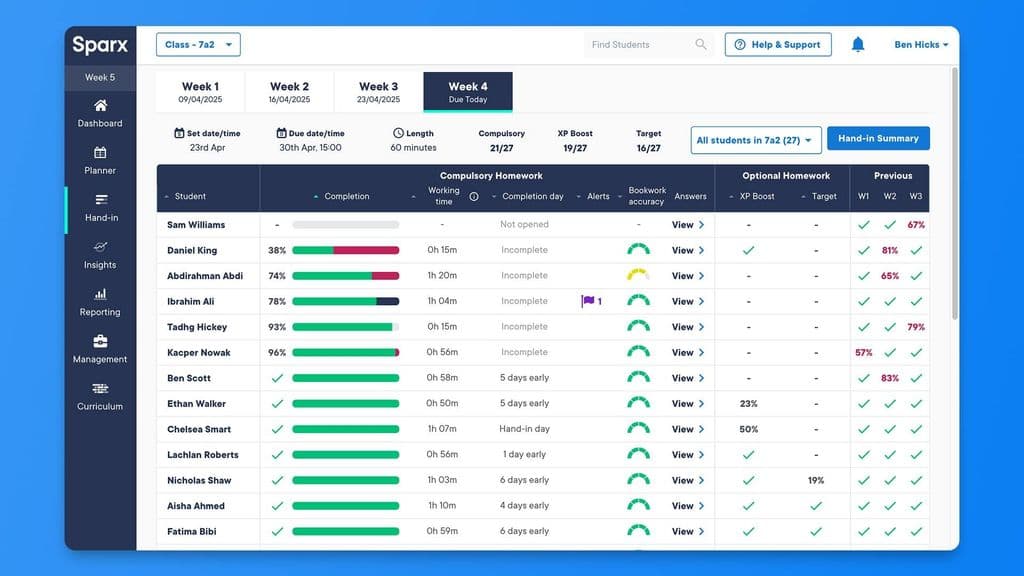
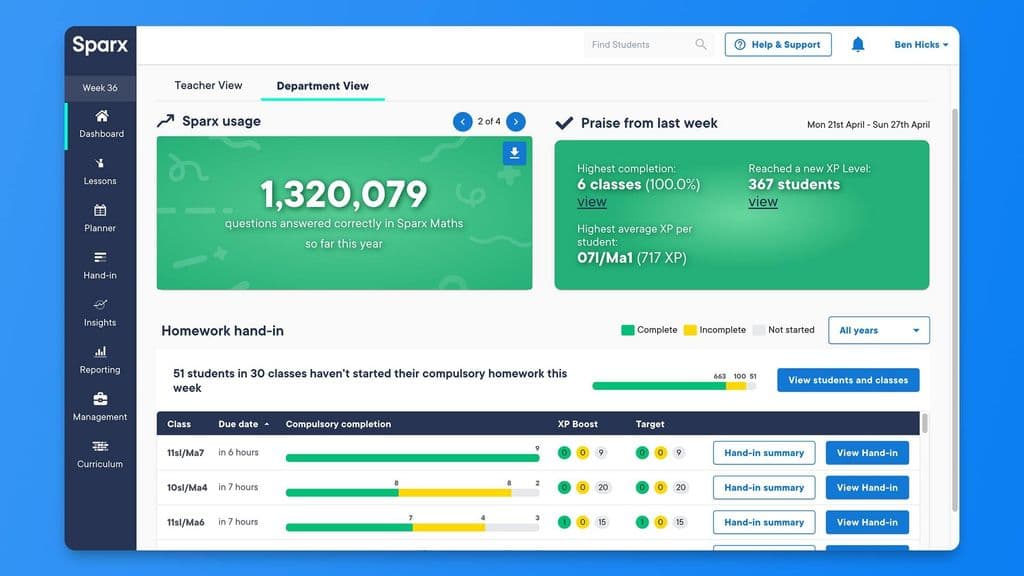
Students will need an internet connection for homework. If you plan to use Sparx Maths in school, you will also need access to the internet and devices for each student.
To use Educake you need access to the internet. For teachers desktop access is required. Students can use Educake on a mobile device, with or without our app. To log in, teachers need an email address and password. Students need a username and password. Google and Microsoft single sign-on means it's easy to get started. We have recently partnered with Wonde to improve single sign-on for schools.
We provide schools with a significantly long trial with full access to all features so that they can have confidence in its impact prior to purchase.
We recommend booking a personalised demo so we can share how Educake can work best for your needs, and how it improves independent revision and knowledge recall.
Once you subscribe to Educake, we recommend booking in a departmental training session to understand the basics of Educake so you can hit the ground running. These are usually completed online but we can also come into school if you’re local to our Educake office.
After a few months of using Educake, we offer a Top Tips training session which uses teacher feedback to share best practice to make sure you’re fully utilising all the features which will benefit your department or school. As we’re continually adding new development to Educake, this is also a good opportunity to get teacher feedback to help us continue to add value to the platform.
We also have teachers videos ready to share in your CPD sessions at school plus we’re working on videos for parents and students now.
Approximately a couple of hours
Set up is quick and easy. You can add your own classes or we’ll do it for you within an hour of receiving them. All data is imported directly to Educake to ensure it’s secure. You’ll get a shareable link for your colleagues to join you on Educake. With student single sign on, the days of your students forgetting their passwords are over. We’ll liaise with your IT department at school to get this set up for you.
Your department can be set up within 24 hours so you can create quizzes and set homework as soon as you’re ready to launch with your students.


Free VersionFreemiumFree TrialPaid SubscriptionOne-Off FeeHourly Rate
For your bespoke pricing model, please request a quote.
Free VersionFreemiumFree TrialPaid SubscriptionOne-Off FeeHourly Rate
We offer discounts when a school subscribes to multiple subjects or multi-school purchases by MATs.


